AI-Assisted UI/UX Design: How Product Teams Ship Faster in 2026
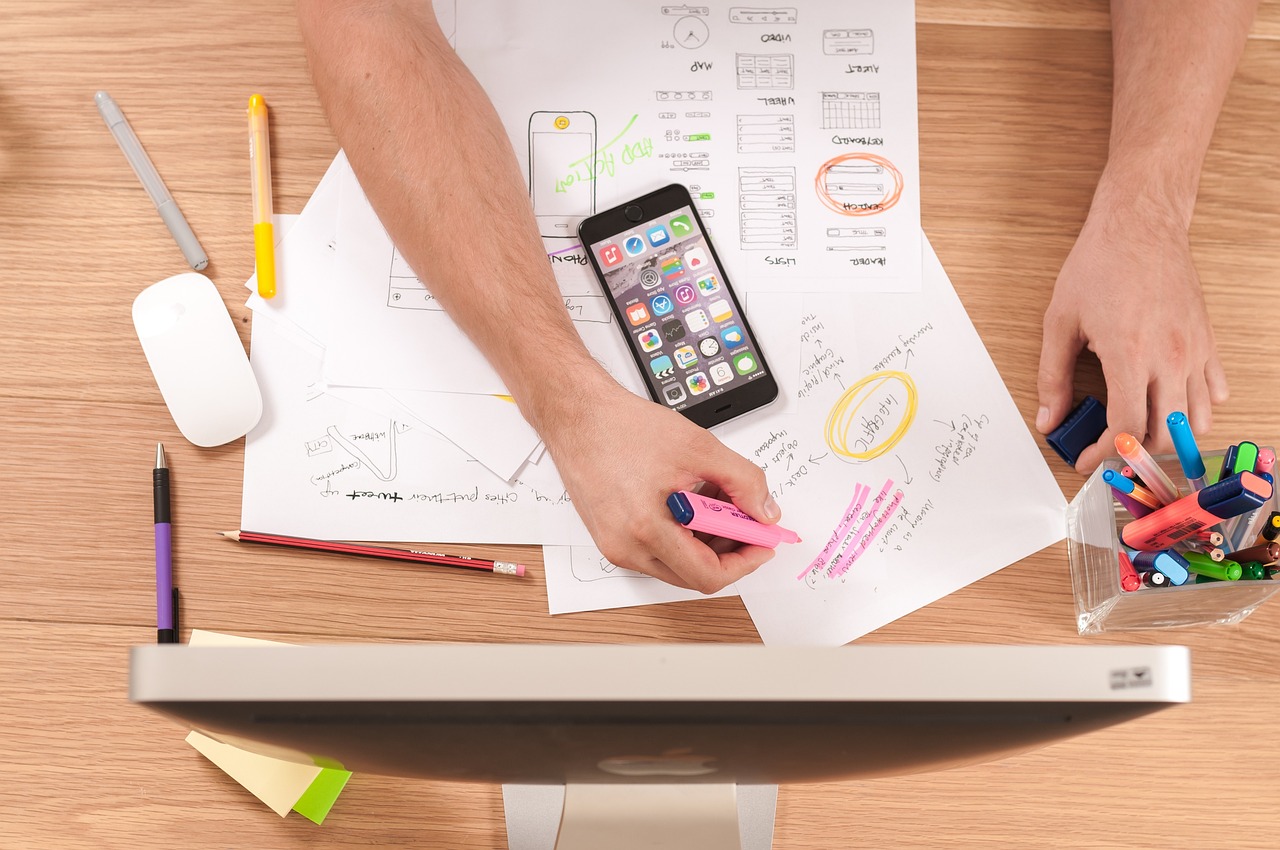
Design tools have absorbed AI features quickly over the last two years: prompt-to-layout generation, AI-assisted image and icon creation, automatic variant generation, and design-to-code handoff that produces working frontend components instead of static comps. For a product team deciding how seriously to take this shift, the useful framing is not "will AI replace designers" (it will not, in any near-term sense) but "which parts of our current design process are pure repetitive execution, and which parts require judgment that only a human on our team has."
Getting that split right is where the real speed gains show up. Teams that use AI tools only to generate finished, unreviewed screens tend to produce work that looks generic and inconsistent with their brand. Teams that use AI tools to compress the first-draft and variation stage, while keeping a human firmly in charge of the decisions, tend to ship meaningfully faster without losing quality.
What Actually Changed in the Design Workflow
The old workflow was roughly: a designer sketches wireframes, builds a handful of hi-fi mockups in a tool like Figma, iterates based on feedback, then hands a spec to engineering to rebuild by hand in code. Each of those handoffs was slow and lossy. AI-assisted tools compress several of those steps: a designer can describe a screen and get several layout options back in minutes rather than hours, can generate copy variants for A/B testing without waiting on a separate writer, and in many toolchains can generate a working frontend component directly from an approved design, reducing the gap between "design is done" and "code exists."
None of this removes the need for a coherent design system. If anything it raises the stakes on having one, since an AI tool generating a new screen needs clear tokens, components, and constraints to stay consistent with everything else in the product, a point we go into in more depth in our piece on building design systems for consistent web products.
A Real-World Example
A B2B SaaS product team needed to design and ship a new reporting dashboard for enterprise customers on a tight deadline. Instead of starting from a blank canvas, the designer fed an AI design tool their existing design system tokens and a rough content outline of what the dashboard needed to show. The tool generated several layout candidates in under an hour, which would previously have taken a day or two of manual exploration. The designer picked the strongest direction, spent the bulk of their actual time refining information hierarchy and edge cases like empty states and error conditions, the kind of judgment work AI tools still handle poorly, and handed a much more finished spec to engineering than they normally would have at that stage. The time saved was concentrated almost entirely in the early exploration phase, not in the final polish, which matched the team's experience that AI tools compress the beginning of the process more than the end.
A Practical Process for Adopting AI-Assisted Design
- Document your design system as structured input, not just a reference file. AI tools produce far more on-brand output when given actual tokens, component rules, and content voice guidelines rather than being pointed at a static style guide PDF.
- Pick one low-risk surface to pilot on. An internal tool, admin panel, or secondary feature is a safer first test than your core signup flow or marketing homepage.
- Use AI tools for variation and first drafts, not final sign-off. Generate multiple directions quickly, then have a human designer select and refine, rather than shipping the first output.
- Test AI-generated copy and layouts with real users just like any other design. AI-generated does not mean pre-validated; usability testing still matters.
- Route design-to-code output through normal code review. AI-generated frontend components should go through the same review, accessibility, and performance checks as hand-written code, not a lighter process.
- Track cycle time, not just output volume. The goal is faster time from brief to shipped, validated design, not simply generating more screens.
- Revisit your design system every few months. As more AI-assisted screens ship, gaps in your token and component documentation will surface quickly; fix them so future generations stay consistent.
Key Benefits of a Disciplined Approach
- Faster first drafts without sacrificing quality control. The exploration phase shrinks dramatically while judgment-heavy review stays firmly human-led.
- Tighter design-to-engineering handoff. AI-assisted design-to-code tooling reduces the translation loss that used to happen when engineers rebuilt a static mockup by hand.
- More design variations tested before commitment. Cheaper generation means teams can validate more directions with real users instead of betting on a single option early.
- A forcing function for better design system hygiene. Because AI output quality depends directly on how well-documented your system is, teams end up with cleaner, more consistent component libraries as a side effect.
Where Teams Get This Wrong
The most common failure mode is not a technical one, it is organizational: a team adopts an AI design tool, sees fast initial output, and starts skipping the review step that used to catch inconsistencies, accessibility issues, and edge cases. A generated screen can look convincingly polished at first glance while still failing basic usability checks, missing a proper empty state, an error message, or a loading indicator that a human designer would have included by habit. None of that is a reason to avoid the tools, but it is a reason to keep the same review discipline that applied to hand-drawn mockups, rather than assuming AI-generated output needs less scrutiny because it looks finished.
A second common mistake is prompting an AI design tool with a vague, one-line brief and accepting whatever comes back, rather than feeding it the specific context, target user, brand tone, and existing component constraints, that would normally shape a human designer's first draft. The quality difference between a vague prompt and a well-contextualized one is large, and it is usually the single biggest lever for making AI-assisted output feel like it belongs in your product rather than a generic template.
Accessibility Still Needs a Dedicated Check
AI design and design-to-code tools have improved at respecting basic accessibility patterns, color contrast, focus states, and semantic markup, but they do not reliably catch every issue a real screen reader test or a manual accessibility audit would. Teams building for regulated industries or with a genuine commitment to inclusive design should keep a dedicated accessibility review step in place regardless of how a screen or component was generated, treating AI-assisted output the same as any other new code from an accessibility standpoint. For teams building toward formal compliance, this pairs directly with the guidance in our piece on WCAG compliance for web accessibility.
Tooling Choices Worth Understanding
The AI-assisted design landscape spans a few distinct categories worth telling apart. Some tools work inside existing design software, generating layout variations or components from a prompt while staying inside your normal design file. Others focus specifically on design-to-code translation, taking an approved design and producing working frontend markup and styling. A third category generates UX copy, microcopy, and content variants for testing. Most teams get the most value combining tools from more than one category rather than expecting a single tool to cover the entire workflow, since each category is optimized for a different stage of the process, from first draft through to shipped code.
Setting Expectations With Stakeholders
Non-design stakeholders, especially those less familiar with the design process, sometimes assume that AI-assisted tools mean design timelines should shrink dramatically across the board. In practice, the time saved concentrates heavily in early exploration, while judgment-heavy work like resolving conflicting requirements, handling edge cases, and validating with real users takes roughly the same time it always did. Setting that expectation clearly with product managers and leadership up front avoids the awkward conversation later where a project's overall timeline barely moved despite adopting new tools, even though the design team genuinely is working faster on the parts AI tools actually help with.
A related expectation worth setting early is around ownership of the final output. Even when a tool generates a screen or a component with very little manual input, the designer who selected, refined, and approved it remains responsible for its quality, in the same way a writer is responsible for a piece of copy even after using a grammar checker. Framing AI tools clearly as an assistant to the design team, rather than an independent source of finished work, keeps accountability clear and avoids the awkward situation of nobody feeling ownership over a screen that later turns out to have a usability problem.
Conclusion
AI-assisted design tools are genuinely useful, but only inside a process that keeps a human designer responsible for judgment calls: what the product should do, how it should feel, and where an AI-generated draft falls short of a real user's needs. Teams that treat AI as a fast first-draft generator, backed by a well-documented design system, are shipping meaningfully faster in 2026 than teams still doing every exploration pass by hand. If your team is evaluating how to fit AI-assisted design into an existing product workflow, our UI/UX design services can help build a process suited to your product and design system.
Frequently Asked Questions
- Will AI design tools replace UI/UX designers?
- No, they change what designers spend time on. AI tools are good at generating first-draft layouts, variations, and repetitive component work, but a human is still needed to decide what the product should actually do, resolve conflicting user needs, and judge whether a design genuinely serves the user.
- What kinds of design tasks are AI tools actually good at today?
- Generating multiple layout variations from a rough brief, converting a wireframe into higher-fidelity mockups, writing and testing UX copy variants, and translating an approved design into frontend code are the tasks where AI-assisted design tools currently save the most time.
- How do we keep an AI-assisted design process from producing generic-looking products?
- Feed the tool your own design system and brand constraints as context rather than starting from a blank prompt, and always have a designer curate and adjust AI output rather than shipping the first generated result as-is.
- Does using AI design tools change how we should structure our design system?
- Yes, a well-documented design system with clear tokens, components, and usage rules becomes more valuable, not less, because it is what keeps AI-generated screens consistent with the rest of your product instead of each one looking like it came from a different app.
- What is a good first project to try AI-assisted design on?
- A low-risk internal tool, an admin dashboard, or a new feature inside an established product with a mature design system is a safer starting point than a customer-facing marketing site or core product flow, since mistakes are cheaper to catch and fix.