AI Inventory Forecasting for E-Commerce: End Stockouts in 2026
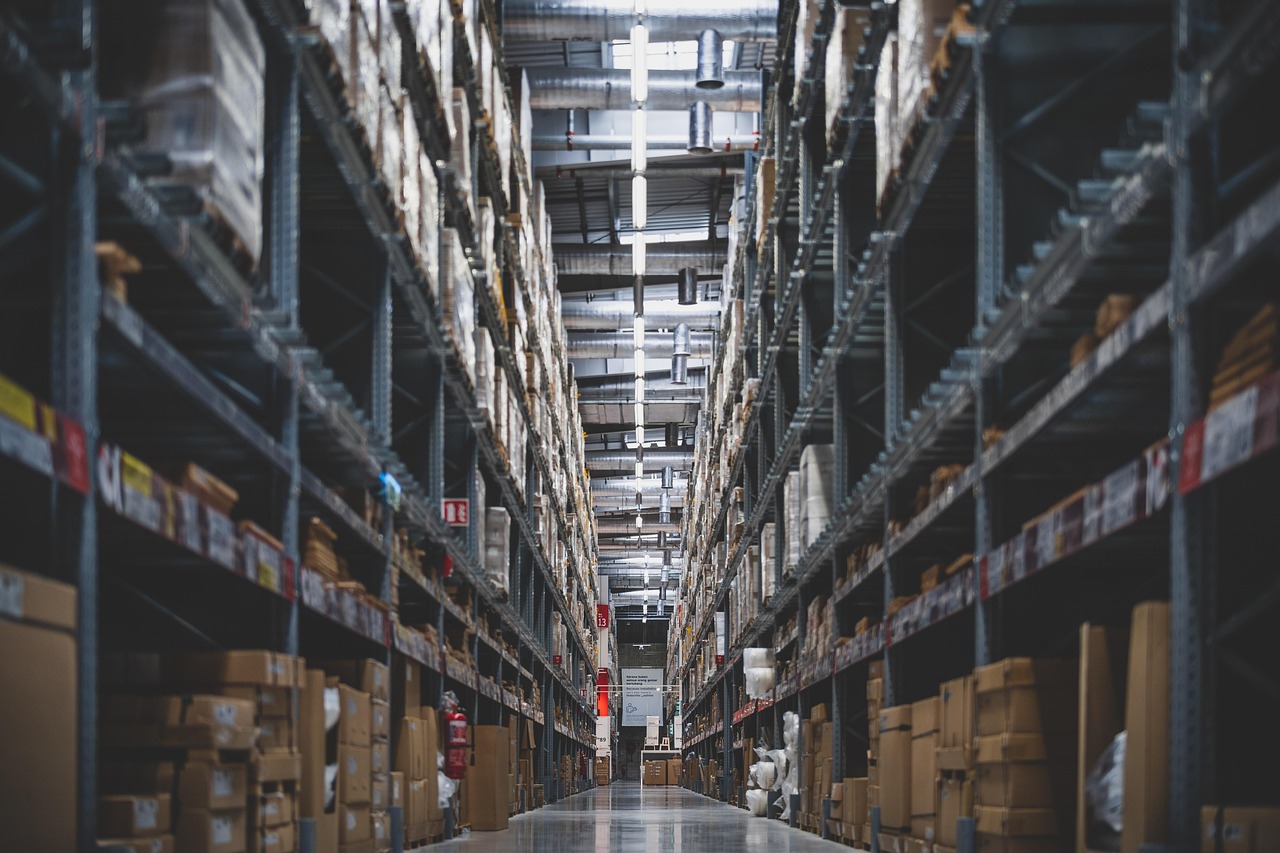
Every e-commerce founder knows the feeling: a bestseller runs out of stock right before a big sales weekend, or a warehouse full of slow-moving inventory quietly eats into cash flow month after month. Manual spreadsheets and gut-feel reordering might work when you are selling a few hundred SKUs through one channel. Once you are managing hundreds or thousands of SKUs across a website, marketplaces, and maybe a retail partner, guesswork stops scaling and starts costing real money.
This is where AI-powered demand forecasting and inventory automation come in. Instead of a person eyeballing last month's sales and placing a purchase order, machine learning models continuously analyze historical sales, seasonality, promotions, and other signals to predict what customers will want next, and automation tools turn those predictions into reorder actions without someone needing to remember to check a spreadsheet. This guide walks through why inventory guesswork is expensive, how AI forecasting automation actually works, a hypothetical example of it in action, and a practical step-by-step process founders can use to start implementing it in 2026.
Why Inventory Guesswork Is Still Costing E-Commerce SMEs Money
Stockouts and overstock are really two sides of the same forecasting problem. When demand is underestimated, popular products sell out, customers bounce to a competitor, and the brand loses not just that sale but potentially future loyalty. When demand is overestimated, cash gets tied up in inventory that sits in a warehouse, incurring storage costs and eventually requiring markdowns to clear.
For SMEs, this problem is often worse than for large retailers, not better. Larger companies typically have dedicated demand planning teams and enterprise software. Most SMEs are still running inventory decisions through a mix of spreadsheets, a founder's intuition, and whatever their inventory management platform's basic reorder point feature offers. That works fine for a stable product line, but it breaks down quickly around new product launches, seasonal spikes, marketing pushes, or supply chain delays. For example, a store selling 5,000 SKUs across three sales channels could easily have a few hundred products drifting out of sync between actual demand and stock on hand at any given time, simply because no one has the bandwidth to review that many SKUs manually every week.
The businesses we see get this right, including many of the e-commerce brands Mavani has built products for, tend to treat forecasting as an ongoing automated process rather than a monthly spreadsheet exercise.
What AI-Powered Demand Forecasting Automation Actually Does
At its core, AI demand forecasting automation combines two things: a predictive model and a set of automated actions triggered by that model's output. The predictive layer ingests historical order data, seasonality patterns, promotional calendars, and sometimes external factors like holidays, and produces a forecast for how much of each SKU is likely to sell over a coming period. The automation layer then uses that forecast to trigger actions, such as generating a purchase order draft, alerting a category manager when a SKU is trending unusually high or low, or automatically adjusting safety stock levels.
Unlike a static reorder point (say, "reorder when stock hits 20 units"), an AI-driven system adjusts its predictions continuously as new sales data comes in. It can pick up on a product trending on social media, a seasonal shift starting earlier than last year, or a slowdown after a promotion ends, and update its recommendations accordingly. The goal is not to remove humans from inventory decisions entirely, but to remove the repetitive, error-prone parts of the job so a small team can manage forecasting at a scale that would otherwise require several full-time planners.
A Hypothetical Example: Demand Forecasting Automation for an Online Retailer
To make this concrete, consider a hypothetical scenario. Picture a mid-sized online home goods retailer selling around 3,000 SKUs through its own website and two marketplace storefronts. Their team manually reviews top sellers once a week and reorders based on rough intuition, which works reasonably well for their top 50 products but leaves the long tail of SKUs largely unmanaged. Twice a year, around major sales events, they either run out of trending items within days or end up with excess stock they have to discount heavily afterward.
On a described project like this, Mavani might approach the problem by first connecting the retailer's order history, current inventory levels, and marketing calendar into a single data pipeline, then layering a forecasting model on top that flags SKUs likely to spike or slow down in the coming weeks. Automated alerts and draft purchase orders would replace the weekly manual review, freeing the operations team to focus on supplier negotiations and exceptions rather than routine reordering. In a scenario like this, the retailer could plausibly reduce emergency, rush-shipped reorders and free up working capital that had been sitting in slow-moving stock, though actual results would depend heavily on data quality, product mix, and how quickly the team adopts the new workflow.
The point of a hypothetical like this is not the exact numbers, it is the shift in workflow: from a person guessing once a week to a system continuously watching every SKU and surfacing only the decisions that actually need a human.
How to Start Automating Demand Forecasting: A Step-by-Step Process
Founders do not need to build an enterprise-grade forecasting platform on day one. The process below is a practical, incremental path that most e-commerce SMEs can realistically follow in 2026.
Step 1: Centralize Your Sales and Inventory Data
Before any model can forecast demand, it needs clean, unified data. Pull sales history, current stock levels, and supplier lead times out of siloed spreadsheets and platform dashboards into a single source of truth, whether that is a data warehouse, a well-structured database, or even a well-maintained set of connected sheets to start.
Step 2: Audit SKU-Level Demand Patterns
Not every product needs the same forecasting treatment. Segment SKUs by volume, seasonality, and volatility. High-volume, stable sellers might only need light-touch automation, while volatile, trend-driven products benefit most from more sophisticated forecasting attention.
Step 3: Choose the Right Forecasting and Automation Stack
Decide whether off-the-shelf forecasting features inside your existing inventory platform are sufficient, or whether you need a dedicated model plus a workflow automation layer to connect it to purchasing and alerts. This is often where teams compare n8n vs Zapier vs custom AI automation options to decide how much of the pipeline to build versus buy, based on budget, technical complexity, and how tightly the workflow needs to integrate with existing systems.
Step 4: Build Automated Reorder Triggers
Once forecasts are flowing, connect them to action. This could mean auto-generating draft purchase orders for supplier approval, sending Slack or email alerts when a SKU crosses a risk threshold, or updating safety stock levels automatically as seasonality shifts.
Step 5: Layer in Seasonality and Promotional Signals
Feed the model information beyond raw sales history, including planned promotions, holidays, and known supply delays. A forecast that only looks backward will consistently miss demand spikes that are already known in advance from the marketing calendar.
Step 6: Pilot on a Subset of SKUs
Roll the automated system out on a manageable slice of the catalog first, typically the SKUs causing the most pain today, whether that is chronic stockouts or excess inventory. This limits risk and gives the team a chance to validate forecast accuracy before scaling further.
Step 7: Monitor, Retrain, and Scale
Forecasting models degrade over time as customer behavior shifts, so build in a regular review cycle to check forecast accuracy against actual sales and retrain the model as needed. Once the pilot SKUs show reliable results, expand coverage to the rest of the catalog.
Teams without in-house data science or automation resources often bring in an AI development partner to build and maintain this pipeline, since getting the data plumbing and model accuracy right the first time tends to save far more time than trying to retrofit a rushed setup later.
Key Benefits of AI Demand Forecasting Automation for E-Commerce SMEs
- Fewer stockouts on bestsellers. Continuous, SKU-level forecasting catches demand spikes earlier than a weekly manual review can, reducing the odds of a top seller going out of stock during peak demand.
- Less cash trapped in overstock. Better-tuned reorder quantities mean less capital sitting in slow-moving inventory, freeing up cash for growth instead of warehouse storage.
- Reduced manual workload. Automating routine reorder decisions frees operations staff to focus on supplier relationships, exceptions, and strategy rather than spreadsheet upkeep.
- Faster response to trends. Because models update continuously rather than on a fixed schedule, the business can react to a sudden trend or slowdown within days instead of finding out at the next manual review.
- Better supplier planning. More accurate, earlier demand signals give suppliers more lead time, which can improve pricing and reliability over time.
This kind of workflow automation mirrors a broader pattern we see across other back-office functions too, similar to how AI OCR automates document processing for SME finance teams: the underlying idea is the same, replace repetitive manual review with a system that handles routine cases automatically and surfaces only genuine exceptions for a human to decide on.
Common Pitfalls to Avoid
AI forecasting automation is not magic, and it fails most often for predictable reasons. Feeding a model messy or incomplete sales history will produce unreliable forecasts no matter how sophisticated the algorithm is, so data quality has to come first. Teams also sometimes try to automate their entire catalog on day one instead of piloting on a smaller set of SKUs, which makes it harder to catch and fix problems early. Finally, treating the forecast as a "set and forget" system rather than something that needs periodic review and retraining tends to lead to slowly degrading accuracy as customer behavior changes.
Conclusion
Stockouts and overstock are two symptoms of the same underlying problem: inventory decisions that rely on manual review simply cannot keep pace with how many SKUs, channels, and demand signals a growing e-commerce business has to track. AI-powered demand forecasting automation does not replace human judgment, it removes the repetitive parts of the job so a small operations team can manage inventory at a scale that would otherwise require a much larger headcount. Across the 37+ products Mavani has built, a recurring theme is that the businesses seeing the strongest results are the ones that start small, get their data foundation right, and automate incrementally rather than trying to do everything at once. For e-commerce founders looking at 2026 planning, that incremental approach, starting with a pilot on the SKUs causing the most pain today, is a realistic way to begin turning inventory management from a source of stress into a genuine competitive advantage.
Frequently Asked Questions
- What is AI-powered demand forecasting automation?
- It is the use of machine learning models to continuously predict how much of each product you will sell, combined with automation tools that turn those predictions into actions, such as draft purchase orders or reorder alerts, instead of a person manually reviewing spreadsheets on a fixed schedule.
- How much sales history do I need before I can start forecasting demand with AI?
- More history generally helps, but you do not need years of perfect data to begin. For example, a store with even six to twelve months of consistent sales and inventory records could start piloting AI forecasting on its top SKUs, then expand coverage as the data pipeline matures and more history accumulates.
- Will AI demand forecasting replace my inventory or operations team?
- Typically not. The goal is to automate the repetitive parts of forecasting and reordering so your team can focus on exceptions, supplier relationships, and strategic decisions, rather than manually reviewing every SKU each week. Human judgment still matters for unusual situations the model has not seen before.
- How long does it typically take to implement inventory forecasting automation?
- It varies by data readiness and catalog complexity. A focused pilot on a subset of SKUs could often be stood up in a matter of weeks, while a full rollout across a large catalog with multiple sales channels tends to take longer and benefits from an incremental, phased approach.
- Is AI demand forecasting only useful for large e-commerce businesses?
- No. While large retailers were early adopters because they had dedicated planning teams, modern automation tools have made forecasting accessible to smaller catalogs too. A store selling a few thousand SKUs could often benefit even more than a large retailer, since SMEs typically have less spare capacity to absorb the cost of stockouts or overstock.