Automate Customer Review Collection for Local Indian SMEs in 2026
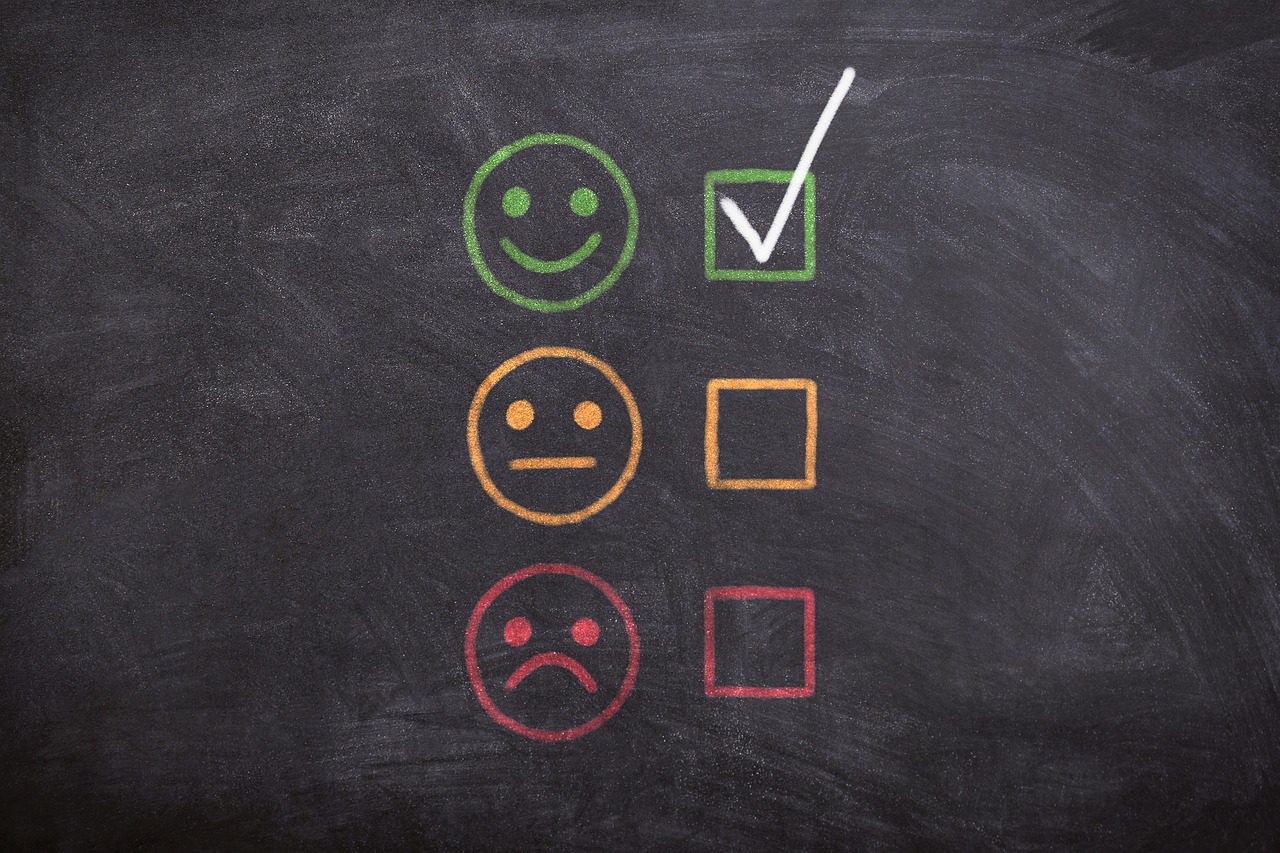
When someone is choosing between two local businesses, reviews often decide the matter. A clinic with a few hundred recent, detailed ratings looks safer than a similar clinic with a handful of old ones. Yet most small businesses collect reviews inconsistently. Happy customers rarely think to leave one, requests are sent late or forgotten, and negative feedback sometimes goes unanswered for weeks.
Automation can fix the process without making it feel pushy. This guide explains how an SME can build a review collection and reputation workflow that asks at the right moment, routes unhappy customers to a human quickly, and keeps your public profile healthy, all while following platform rules.
Why Reviews Matter for SMEs
Reviews influence three things at once. They affect whether people choose you, because they act as social proof. They affect local search visibility, since review quantity, recency, and responses are commonly discussed as ranking considerations for local results. And they give you honest feedback about service quality that internal metrics might miss.
The challenge is consistency. Asking by hand depends on who remembers and who is busy. A simple automated flow makes asking a default part of finishing a job, not an afterthought.
A Real-World Example: A Dental Clinic
Consider an illustrative dental clinic with two dentists and a part-time receptionist. Patients are generally satisfied, but the clinic's online presence shows only a small number of reviews, and several are old. The receptionist occasionally hands out a card with a QR code, but most patients leave without one.
The clinic sets up a lightweight automation. When an appointment is marked complete in the booking system, a workflow waits two hours and sends a WhatsApp or SMS message thanking the patient and asking for a quick rating from one to five. Every patient receives the link to the clinic's public review page, so nobody is screened out. If the patient replies with three or lower, the workflow also asks what went wrong and creates a task for the clinic manager to call personally the next day.
In a setup like this, the clinic could plausibly see a steady flow of new public reviews while catching service issues privately and early. Whether the numbers change dramatically depends on the patient base and follow-through, but the process itself removes the dependence on memory.
Important: Stay Within Platform Rules
Review platforms have policies, and breaking them can lead to removed reviews or penalties. Before building anything, check the current guidelines of the platforms you use, especially Google. In general, you should:
- Never offer rewards for positive reviews. Incentives for reviews are commonly restricted.
- Avoid review gating. Sending only happy customers to the public page while hiding the link from others is widely discouraged. A safer approach is to ask everyone for feedback and make the public link available to all, while still offering a private channel for concerns.
- Do not write or buy fake reviews. This damages trust and violates policies.
- Do not ask staff to review their own business.
Because policies change, treat the examples here as a design pattern and confirm the details with each platform.
Step-by-Step Process to Automate Review Collection
- Pick your priority platforms. For most local businesses, start with your Google Business Profile. Our guide to Google Business Profile local SEO for Indian SMEs explains how to set it up and why it matters.
- Find your review link. Copy the direct link customers can use to leave a review, and test it on a phone.
- Define the trigger. Choose an event that signals a finished experience: job completed, invoice paid, appointment closed, or order delivered. Connect it to your booking or CRM system.
- Set the timing. Wait long enough for the customer to experience the result, but not so long that they forget. Hours to a couple of days works for many services.
- Choose the channel. WhatsApp, SMS, and email each suit different customers. Respect consent and opt-out rules, and use approved message templates where the platform requires them.
- Write a short, warm message. Use the customer's name, mention the service, and make the ask easy: one tap to the review page. Keep it brief.
- Add a private feedback route. Offer a simple way to share concerns directly, for example a reply option or a short form, and create a task for a human to follow up.
- Limit frequency. Send at most one request, plus perhaps one gentle reminder, per customer per job. Never spam.
- Monitor new reviews. Set alerts so the team sees new reviews as they arrive, especially low ratings.
- Respond consistently. Reply to positive reviews briefly and to critical ones calmly and constructively.
- Report monthly. Track review count, average rating, response time, and the themes customers mention.
Using AI to Help, Carefully
Drafting responses
An AI model can draft reply suggestions based on the review text and your tone guidelines. A person should always approve them before posting. Generic, repetitive replies look insincere, so ask the model to reference specific details from each review and avoid overpromising.
Summarising themes
Once you have a few dozen reviews, an AI model can group them by topic, such as waiting time, staff friendliness, pricing clarity, or cleanliness. These summaries help you decide what to fix first. Treat them as pointers and verify against the original comments.
Flagging urgent issues
Sentiment classification can alert managers to angry or safety-related comments so they respond quickly. Keep a human in the loop for anything that involves refunds, medical matters, or legal risk.
If you are building the broader communication layer around this, our guide to speed to lead automation for small businesses shows how similar triggers and message flows work for enquiries.
Handling Negative Reviews Well
A critical review is not a disaster. Prospective customers often judge a business by how it responds. A calm, specific, and respectful reply can build more trust than a perfect rating. Follow a simple pattern:
- Thank the reviewer for the feedback.
- Acknowledge the issue without being defensive.
- Take the detail offline by offering a direct contact route, without sharing private information publicly.
- Follow up internally and fix the cause if the complaint is valid.
Never argue in public, and never reveal customer details. If a review clearly breaks platform rules, you can report it, but do not rely on removal as a strategy.
Technical Building Blocks
A basic version needs only a few components: a data source that knows when a job is complete (booking tool, CRM, or point of sale), a workflow tool to run the logic and delays, a messaging channel, and a place to log requests so nobody is asked twice. Handle failures gracefully, with retries and alerts, as described in our article on automation error handling.
If you prefer to avoid manual setup, our AI and automation development team can build a custom workflow that fits your systems.
Key Benefits of Review Automation
- Consistency: Every completed job triggers an ask, regardless of how busy the team is.
- Earlier problem detection: Private feedback and alerts surface issues before they become public complaints.
- Stronger local visibility: Fresh, detailed reviews support your presence in local search.
- Less admin: Staff stop chasing customers manually.
- Better decisions: Aggregated feedback shows what customers value and where service falls short.
Common Mistakes to Avoid
- Offering incentives for reviews. It risks policy violations and credibility.
- Sending requests too late. The experience is no longer fresh in the customer's mind.
- Making the process complicated. Each extra step loses people. One tap is ideal.
- Ignoring negative feedback. Silence looks like indifference.
- Automating replies fully. Unreviewed AI responses can sound tone-deaf or make promises you cannot keep.
- Forgetting consent. Use opt-in contact details and honour opt-outs.
Reviews are a record of how customers actually experienced your business. Automation should make it easier to listen, not easier to manipulate.
Building a Habit of Listening
The real value of reviews is not the star rating but the patterns inside them. Set aside time each month to read recent feedback together as a team. Pick one recurring complaint and one recurring compliment. Fix the first and protect the second. Share positive comments with the staff members named in them, because recognition reinforces good service. When customers see that feedback leads to visible improvements, they become more willing to share it, and your automation supports a cycle of better service rather than just a higher score.
Choosing the Right Moment to Ask
Timing changes response rates more than wording does. A customer who has just received a fixed appliance, a finished haircut, or a resolved billing query is in a naturally positive frame of mind. A customer who is still waiting on a delivery is not. Tie your trigger to a real completion event instead of a fixed delay, and skip the request when a ticket is still open or a complaint is unresolved. Small checks like these keep the automation respectful and make each message feel relevant rather than mechanical.
Conclusion
A good review process is simple: ask at the right moment, make it easy, listen to every response, and act on what you learn. Automating the trigger, the message, and the follow-up task lets a small team do this consistently without feeling pushy. Stay within platform policies, keep humans in charge of sensitive replies, and review your results every month. Over time, the combination of steady reviews and thoughtful responses builds the kind of trust that no advertisement can easily match.
Frequently Asked Questions
- Is it allowed to ask customers for reviews?
- Yes, asking is generally fine, but check each platform's policies. Avoid incentives for reviews, fake reviews and review gating.
- When should I send the review request?
- Soon after a clear completion event, such as a finished job or paid invoice, usually within hours to a couple of days.
- Which channel works best?
- WhatsApp, SMS and email each suit different customers. Use opted-in contact details and honour opt-outs.
- How should I respond to negative reviews?
- Thank the reviewer, acknowledge the issue calmly, offer a direct contact route and fix the root cause if the complaint is valid.
- Can AI reply to reviews automatically?
- AI can draft replies and summarise themes, but a person should approve responses, especially for refunds, medical or legal matters.