Barcode Scanning Apps for SMEs: Fast Stock Counts on a Phone
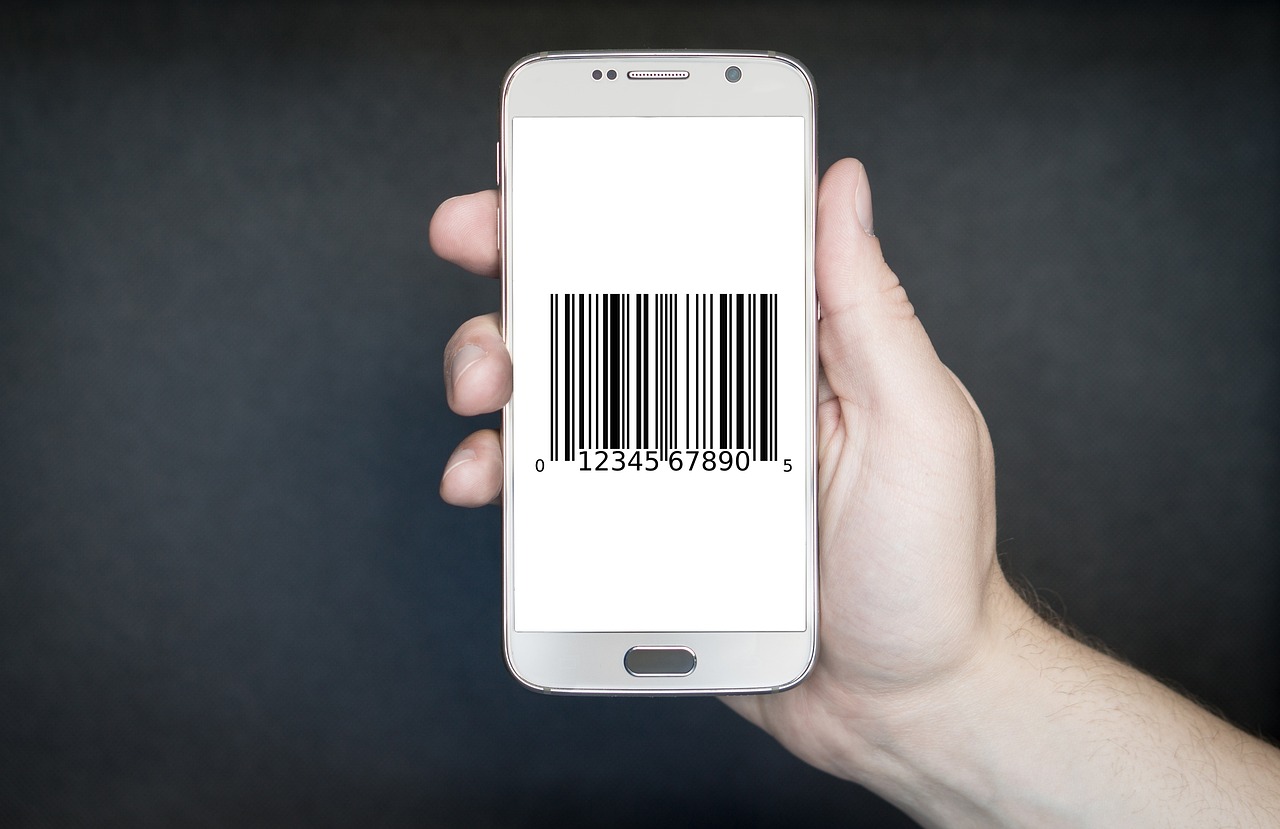
Walk into many small warehouses, shops and workshops and you will find stock tracked in a spreadsheet, a notebook, or a head. Counts are done once a quarter with clipboards, mistakes are found weeks later, and nobody is quite sure how much of any item is on the shelf. Meanwhile, the device that can fix this problem is already in everyone's pocket.
A smartphone with a camera can scan barcodes and QR codes quickly, connect to your inventory records, and update stock in real time. This guide explains how barcode scanning apps work, what to decide before building one, how to handle offline conditions and messy data, and how to roll it out in a way your team will actually adopt. It is aimed at small and medium business owners and the people who support them.
Why barcode scanning pays off
Manual stock handling relies on people typing codes and quantities correctly, again and again. Typing errors, similar looking product names, and forgotten updates create gaps between the system and the shelf. Scanning replaces typing with a quick, accurate read of a code that identifies the exact item.
The benefits go beyond accuracy. Scanning is faster per item, it creates a timestamped record of who handled what, and it makes processes such as cycle counting, picking and receiving much easier to standardise. For an SME, that often means fewer stockouts, less over ordering, and more confidence when customers ask whether something is available.
Camera, Bluetooth or dedicated scanner
Phone camera
The lowest cost option. It works well for low to moderate volumes, field staff, and businesses that want to start without buying hardware. Performance depends on lighting, label quality and camera focus, so test with your real labels.
Bluetooth or clip on scanner paired with a phone
A good middle path. Staff get fast hardware triggered scanning, while the phone provides the screen and connectivity. It suits teams scanning hundreds of items per shift.
Dedicated rugged handheld
Best for large warehouses, cold storage, long range scanning and all day use. These cost more and often run their own operating system, but modern ones can run the same app as a phone.
A sensible approach is to build the app so it supports camera scanning first and external scanners later. Many scanners act like a keyboard or provide a software interface, so the same screens can serve both.
A real world style example
Consider an illustrative scenario. A regional distributor of household goods keeps stock in two small warehouses. Receiving is done by comparing paper delivery notes against the shelf. Counts happen rarely and always uncover differences. Sales staff often promise stock that turns out to be missing.
The company introduces a simple mobile app. During receiving, a staff member scans each carton label and confirms the quantity against the purchase order. Items without barcodes get printed internal labels. For stock checks, staff scan a shelf location code and then the items on it. The system compares the result with its records and highlights differences for review. Even in this hypothetical case, the improvement does not come from fancy technology. It comes from making the correct action the easy one: scanning is quicker than writing, and the app shows right away when something does not match. If you are still deciding whether to buy ready made software for this, our comparison of custom versus off the shelf inventory software can help you choose.
What to decide before you build
- Which processes will scan? Common starting points are receiving goods, stock counts, internal transfers, picking and dispatch.
- What is the unit of identity? A product, a batch, a serial number, a pallet or a location? Each needs a code design.
- Which code formats? Use the standard codes on supplier products, and create internal codes for the rest.
- Who uses it? Warehouse staff, drivers, shop assistants and managers each need different screens and permissions.
- What systems must it connect to? Accounting, ecommerce platform, ERP or marketplace listings all need consistent stock numbers.
- What happens when something does not match? Define review and approval steps for discrepancies.
Designing the data underneath
A scanning app is only as good as the product data behind it. Before development, clean your item list. Each item should have a unique internal identifier, a name, one or more barcodes, a unit of measure and, where relevant, pack sizes. Decide how to handle the same item sold in different pack sizes, because a single barcode may represent a single unit, an inner pack or a whole carton.
Locations matter too. Even a simple structure of warehouse, aisle, rack and shelf makes picking and counting faster and reduces searching time. For online sellers, accurate stock numbers feed directly into listings, and our overview of how we support ecommerce businesses shows how inventory and storefronts stay in sync.
Offline and unreliable networks
Stockrooms are not always friendly to wireless signals. If the app stops working when the connection drops, staff will return to paper. A resilient design saves each scan on the device immediately, queues updates, and syncs when the network returns. It also needs sensible rules for conflicts, such as two people adjusting the same item. Recording movements as events, for example "received 20" or "picked 3", instead of overwriting totals makes it easier to merge changes correctly. We cover the principles in our guide to offline first mobile app architecture.
Step by step: rolling out a scanning app
- Map one process end to end. Pick the process that causes the most pain, often receiving or cycle counting. Walk through it with the people who do it daily and note every manual step.
- Clean the product list. Remove duplicates, assign unique identifiers, record barcodes and units, and fix obvious errors. This step often takes longer than building the app, so start early.
- Label what is missing. Print internal QR or Code 128 labels for items and shelf locations that have no usable barcode. Use durable labels in places with moisture or abrasion.
- Define the scan flows. Keep each flow short: scan location, scan item, confirm quantity. Use clear sounds, vibration and colour feedback so staff know a scan succeeded without reading the screen.
- Add safety checks. Warn when scanning an item that is not on the purchase order, when quantities look unusually large, or when a location does not exist.
- Build offline support and sync. Store scans locally and sync reliably, with a visible indicator showing pending uploads.
- Pilot in one area. Run a two to three week pilot with a small team, keeping the old process as a backup. Collect feedback every few days and fix friction quickly.
- Train and set expectations. Show staff how the app makes their job easier. Fifteen minutes of hands on training beats a long manual.
- Measure and expand. Track count accuracy, time per receiving, and discrepancy rates against the baseline. Roll out to more processes and locations once the pilot is stable.
Getting scanning quality right
Poor scanning experiences usually trace back to a handful of causes. Keep the camera view uncluttered and let users tap to focus. Support the torch for dim aisles. Accept only valid code formats to avoid false reads. Check the code against your list immediately and show the product name and image, so a wrong item is obvious. Provide a manual entry fallback for damaged labels, and log those cases so labels can be reprinted.
For high volume counting, consider letting the user scan continuously and review a summary, instead of confirming each item with a tap. Allow undo for the last scan, since mistakes happen when people are moving quickly.
Key benefits for SMEs
- Accuracy. Scans reduce typing errors and mismatched items.
- Speed. Counting, receiving and picking are typically quicker than writing and keying data.
- Real time visibility. Sales, purchasing and operations see the same numbers.
- Accountability. Every movement is linked to a person and a time.
- Lower hardware cost. Starting with phones avoids a large upfront investment.
- Better decisions. Clean movement data supports reorder points and demand planning later on.
Common mistakes
- Building the app before cleaning the product data.
- Ignoring the physical side: poor labels, bad lighting and awkward shelf layouts.
- Making scanning flows too long, so staff skip steps.
- Skipping offline support and then blaming users for going back to paper.
- Rolling out everywhere at once instead of piloting.
- Not defining who resolves discrepancies, so differences pile up unnoticed.
Build it with Mavani Solution
We design mobile inventory and operations apps for businesses that have outgrown spreadsheets but do not need a heavy enterprise system. Our mobile app development services cover scanning flows, offline sync, integrations with accounting and ecommerce tools, and a staged rollout plan so your team adopts the new process smoothly.
Conclusion
Barcode scanning is one of the most practical automation upgrades an SME can make, because it removes repetitive typing and puts accurate stock information in the hands of the whole team. Start small: choose one painful process, clean your item list, label what is missing, and pilot with a few people. Add offline support so the app works where your business actually operates. Once the basics are stable, expand into transfers, picking and reorder planning. The phone in your pocket is already a capable scanner, and the real work is making the process around it simple.
Frequently Asked Questions
- Can a normal smartphone replace a dedicated barcode scanner?
- For many small and medium businesses, yes. Modern phone cameras read common barcodes quickly in good light. Dedicated scanners still win for very high volume, harsh environments, long range or all day scanning, so match the device to the workload.
- Which barcode types should my app support?
- Start with the formats your products and suppliers already use, commonly EAN or UPC for retail items, Code 128 for logistics labels and QR codes for internal tags. Supporting only what you need keeps scanning fast and accurate.
- Does a barcode inventory app need to work offline?
- Often yes. Stockrooms, basements and rural sites frequently have weak connectivity. A good design saves scans locally, syncs when the connection returns, and handles conflicts safely.
- How do I handle products with no barcode?
- Print your own labels with internal codes, using QR or Code 128, and attach them during receiving. Many SMEs start by labelling their top moving items first.
- How long does it take to roll out a scanning app?
- A focused first release covering receiving, stock count and dispatch can often be piloted in one location within a few weeks, then expanded. The biggest time sink is usually cleaning product data and labelling items, not the app itself.