Push Notification Strategy: Driving Engagement Without Fatigue
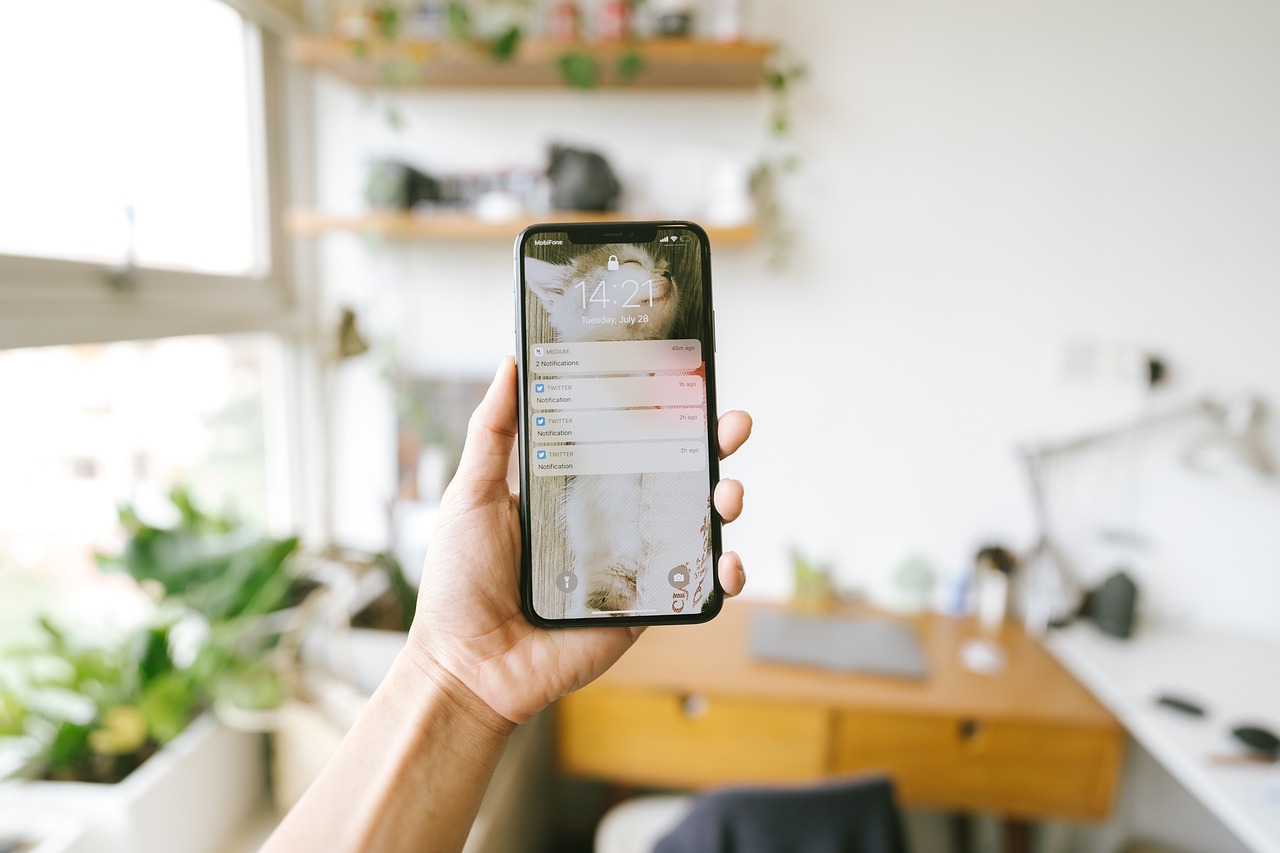
Push notifications sit in an unusual position among mobile app engagement tools: they are one of the few channels that can reach a user directly on their lock screen, with no app open required, and they are also one of the fastest ways to make a user disable notifications entirely, or uninstall the app altogether, if handled carelessly. The gap between an app that uses push notifications well and one that treats them as a blunt broadcast tool usually comes down to relevance, timing, and restraint, not clever copywriting.
Why Notification Strategy Matters More Than Notification Volume
It is tempting to treat push notifications as a numbers game: more notifications sent should mean more opens and more engagement. In practice, the relationship breaks down quickly. Once a user perceives an app's notifications as generic or excessive, they tend not to fine-tune their settings, they disable notifications entirely or delete the app, which closes off the channel completely rather than just reducing its frequency. This makes notification strategy a retention question as much as an engagement question, closely tied to the broader work covered in our guide to mobile app store optimization, since an app that loses users to uninstalls after aggressive notifications also loses the retained-user signals that app stores use to rank it.
The apps that get this right tend to treat every notification as something the user has to opt into again, mentally, every time it appears. That framing pushes teams toward relevance and restraint rather than maximum reach.
It is worth noting that the ideal strategy also depends heavily on the app's category. A banking app's users generally expect and want prompt transactional alerts, while a casual game's users are often more tolerant of occasional re-engagement prompts but far less tolerant of frequent ones. Benchmarking against a generic industry average is less useful than watching a specific app's own opt-out and engagement trends over time and adjusting deliberately, since what counts as "too frequent" varies enormously by what the app actually does for the person receiving the notification.
A Real-World Example
For example, consider an e-commerce app that initially sent every user the same daily promotional notification regardless of browsing or purchase history. Illustratively, a team in that situation that switched to behavior-based segmentation, sending a cart-abandonment reminder only to users who left items unpurchased, a restock alert only to users who viewed an out-of-stock item, and cutting generic daily promotions down to a much smaller, more targeted set, could plausibly see both a meaningful rise in click-through rate on the notifications that remained and a drop in the rate at which users disabled notifications altogether. The exact numbers depend heavily on the app's category and audience, but the direction of that trade-off, fewer and more relevant notifications outperforming frequent generic ones, shows up consistently across mobile products.
How to Build a Notification Strategy: A Step-by-Step Process
- Separate transactional from marketing notifications. Define clearly which notifications relate directly to a user's own action (order updates, security alerts) versus promotional or re-engagement messages, since users tolerate very different frequencies for each.
- Segment by user behavior. Build segments based on actions users have actually taken (cart abandonment, feature usage, inactivity period) rather than sending the same message to the entire user base, extending the same in-app personalization thinking to the notification layer.
- Design the opt-in moment carefully. Ask for notification permission at a point in the app experience where the value is obvious, such as right after a user takes an action that a notification would follow up on, rather than immediately on first app open.
- Set frequency caps per user. Cap the total number of non-essential notifications a single user receives in a given period, so multiple campaigns do not stack up and overwhelm the same person.
- Give users control over notification types. Offer granular in-app settings so users can turn off specific categories, like promotions, without disabling notifications entirely, which preserves the channel for transactional messages that still matter to them.
- Test timing, not just copy. Experiment with send time based on when a specific user segment is typically active, rather than sending every campaign at the same fixed hour for all users.
- Monitor opt-out and uninstall correlation. Track which notification types precede opt-outs or uninstalls, and treat a rising opt-out rate after a specific campaign type as a signal to change that campaign, not just a metric to note.
It also helps to think about push notifications as one channel within a broader engagement strategy rather than the primary lever on its own. In-app messages, email, and onboarding flows can absorb some of the re-engagement burden that teams often push entirely onto notifications, which reduces the pressure to over-send through the one channel capable of interrupting a user outside the app. Spreading engagement responsibility across channels, and reserving push notifications for the moments where immediacy genuinely matters, tends to produce a healthier long-term relationship with users than leaning on notifications as the default answer to every retention problem.
Key Benefits of a Disciplined Approach
- Higher engagement per notification sent. Relevant, well-timed notifications tend to earn meaningfully higher click-through rates than broad, generic broadcasts.
- Lower opt-out and uninstall rates. Respecting a user's attention preserves the notification channel long-term instead of burning through it in the first few weeks after install.
- Better data for future targeting. Behavior-based segmentation generates cleaner signal about what actually drives engagement for different user types, improving every future campaign.
- Stronger overall retention. Notifications that genuinely bring users back to complete a valuable action, rather than just open the app, contribute more to long-term retention than raw open rate alone.
Balancing Automation With Human Judgment
Modern notification platforms make it easy to automate segmentation and send-time optimization at scale, which is genuinely useful, but automation should not replace periodic human review of what is actually being sent. A well-tuned automated system left unattended for months can drift, accumulating overlapping campaigns that were each reasonable individually but stack up into notification fatigue collectively. Reviewing the full notification calendar from a single user's perspective, not just campaign by campaign, catches this kind of drift before it shows up as a rising uninstall rate. Teams building or refining this kind of engagement layer as part of broader mobile app development work tend to build this review step into their release process from the start, rather than adding it after retention numbers start slipping.
Platform Differences Worth Planning For
iOS and Android handle notification permissions and delivery differently enough that a single strategy rarely performs identically on both. iOS requires an explicit opt-in prompt before any notification can be delivered, which makes the timing and framing of that first request unusually important, since a decline is difficult to reverse without the user manually changing device settings. Android has historically allowed notifications by default in many versions, shifting more of the burden onto in-app settings and ongoing relevance to avoid a later mass opt-out. Teams that design a single generic notification flow and ship it identically to both platforms often see meaningfully different opt-in and retention numbers between the two, purely because of these platform-level differences in how permission and delivery work, not because of anything about the content itself.
Rich Notifications and Their Limits
Modern push notification platforms support images, action buttons, and deep links directly inside the notification, which can meaningfully increase engagement when used for the right message, such as showing a product image in a restock alert or offering a one-tap "reorder" action for a repeat purchase. The limit is the same one that applies to frequency: a rich, visually heavy notification used for a low-value message draws more attention to something the user did not want in the first place, which can accelerate opt-outs rather than prevent them. The decision to use rich media should follow from the message's actual value to the user, not from the fact that the feature is available in the notification platform.
A notification a user is glad to receive builds trust in the channel. A notification a user tolerates is spending down trust that eventually runs out.
Finally, it helps to remember that notification strategy is never really finished. User expectations shift, competitors change how aggressively they send their own notifications, and a cadence that felt appropriate a year ago can start to feel dated or excessive as the app's audience matures. Building a recurring review, even a brief quarterly check on opt-in rates, opt-out patterns by campaign type, and overall notification volume per user, keeps the strategy aligned with how users actually respond rather than with assumptions made when the notification system was first built.
Conclusion
Push notifications remain one of the most direct ways to bring a user back into a mobile app, but that directness is exactly why careless use burns the channel quickly. The apps that sustain strong engagement over time treat notification strategy as an ongoing discipline: segment by behavior, cap frequency, separate transactional from promotional messages, and review the full notification experience regularly rather than campaign by campaign. That discipline costs more effort upfront than a blanket broadcast strategy, but it is what keeps push notifications a genuine asset instead of a channel users learn to mute.
Frequently Asked Questions
- Why do users disable push notifications so often?
- Most commonly because notifications feel irrelevant, too frequent, or generic. Once a user perceives an app's notifications as noise rather than useful information, they tend to disable them entirely rather than trying to filter the useful ones from the rest.
- What is the difference between a transactional and a marketing push notification?
- A transactional notification relates directly to an action the user took or needs to take, like an order status update or a security alert. A marketing notification promotes a feature, offer, or re-engagement prompt not tied to a specific user action. Users generally tolerate a much higher volume of transactional notifications than marketing ones.
- How often should an app send push notifications?
- There is no universal number, since tolerance varies by app category and user expectations. The more reliable approach is to base frequency on relevance and value rather than a fixed schedule, and to let users control frequency for non-essential notification types through in-app settings.
- Should every user get the same notifications?
- No. Segmenting by user behavior, for example sending different re-engagement messages to a user who abandoned a cart versus one who has not opened the app in weeks, tends to perform far better than sending the same broadcast message to the entire user base.
- What metrics matter most for push notification strategy?
- Opt-in rate, click-through rate, and the notification's actual effect on the target action (a completed purchase, a returned session) matter more than raw send volume. Also worth tracking closely is the opt-out or uninstall rate following specific notification types, since that reveals which messages are actively damaging retention.