QR Code Workflows for Indian SMEs: Ordering, Payments, Tracking
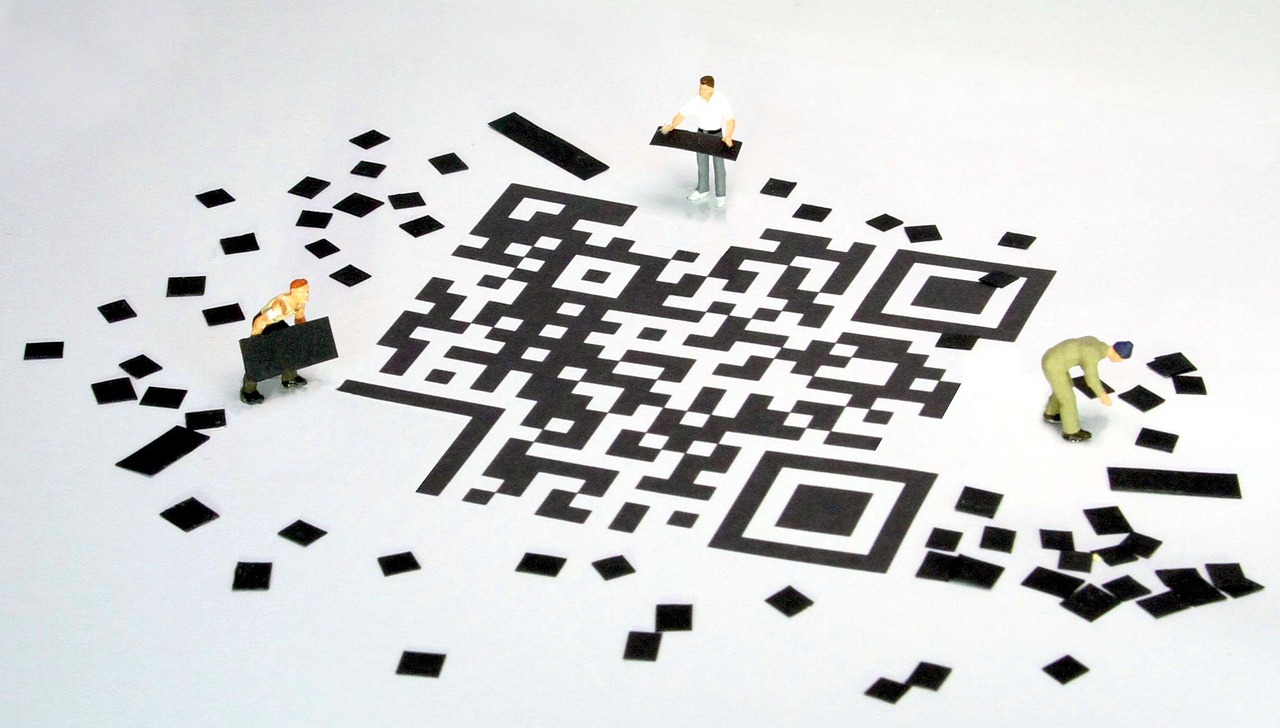
Walk into almost any restaurant, clinic, shop, or office in India and you will find a QR code on a table, counter, or wall. Most of them do one job, usually collecting a payment. That leaves a lot of value on the table. A QR code is a cheap, familiar doorway into any digital process, and small and medium businesses can use it to take orders, verify visitors, track equipment, collect feedback, and more.
This guide explores practical QR workflows for Indian SMEs, explains how to build them without heavy engineering, and shows how to avoid the mistakes that make codes useless or unsafe.
Why QR Fits the Indian Market
Three conditions make QR especially effective here. First, smartphones are common, and scanning is a habit that people already have. Second, UPI has made digital payments a normal part of daily life, so a code that leads to a payment feels natural. Third, many businesses operate with small teams and tight budgets, so a solution that needs only a printed sticker and a web page is attractive.
The key insight is that the code itself is not the product. It is a trigger. The value comes from the process that begins when the customer scans it.
Five QR Workflows Worth Building
- Table and counter ordering. The customer scans, browses a menu or catalog, and places an order that appears on the kitchen or billing screen.
- Payment and invoicing. A dynamic code links to an invoice with an amount already filled in, so the customer pays without typing details.
- Visitor and attendance check-in. Visitors scan at the gate, enter basic details, and the host receives a notification.
- Asset and inventory tracking. Each item carries a code that opens its record, service history, and location, which helps with audits and maintenance.
- Feedback and reviews. A scan after a service opens a one-question form, with happy customers nudged toward a public review.
Each of these can start small. A business can pilot one workflow in one location and expand after learning what works.
An Illustrative Example
Consider a small cafe with a dozen tables. This is an illustrative scenario rather than a reported client result. The owner currently takes orders on paper, then re-enters them into a billing system. Mistakes happen during busy hours, and staff spend time walking back and forth.
The cafe places a unique QR code on each table. A scan opens a mobile web page showing the menu with photos, availability, and add-ons. The customer places an order, and it appears instantly on a kitchen display along with the table number. When the meal ends, the same page offers a UPI payment option. The owner could reasonably expect fewer order errors and faster table turnover, though the real effect would need to be measured over several weeks. For more on tooling in this space, see our guide to the cloud kitchen tech stack for ordering and automation, and visit our foodtech solutions page.
Step-by-Step: Launching a QR Workflow
- Pick one process. Choose a task that is frequent, error-prone, or slow, such as taking orders or collecting feedback.
- Map the current flow. Write down every step, who does it, and where information gets copied by hand.
- Design the mobile page. Keep it fast and simple. It should work on low-end phones and slow networks, with large buttons and minimal typing.
- Use dynamic codes. Point each code at a short link you control so you can change the destination and see scan data.
- Create unique codes by context. Give each table, location, or campaign its own code so you can tell where scans come from.
- Connect the back end. Send orders, check-ins, or feedback to the system your team already uses, such as a billing tool, spreadsheet, or messaging channel.
- Train the team. Show staff how the new flow works and what to do if a customer cannot scan.
- Print durable codes. Use materials that resist spills and wear, and place codes at eye level with a short instruction.
- Pilot, measure, adjust. Run it for a few weeks, review scans and completions, and improve the weakest step.
Payments: Getting the Details Right
For payment flows, accuracy and reconciliation matter most. A dynamic QR tied to a specific invoice reduces mistakes because the amount and reference are pre-filled. It also makes reconciliation easier, since each payment can be matched to an order automatically. If your business sends invoices to other businesses, combining QR payment links with reminders can speed up collections. Our guide to accounts receivable automation for Indian SMEs explains how to build a full process around it.
Always confirm payment status through your payment provider's official confirmation rather than a screenshot from the customer, and keep a record of every transaction for accounting and tax purposes.
Designing for Real Customers
A QR workflow lives or dies on the first ten seconds. Tell people what will happen when they scan, for example "Scan to order and pay". Make the page load quickly, avoid forcing an account creation, and support the languages your customers speak. Some customers will not be comfortable scanning, so always provide a fallback such as a staff-assisted option.
If you plan to expand into a branded mobile experience later, a QR entry point can lead users toward an installable app or a progressive web app. Our mobile app development team can help you decide when a web page is enough and when an app adds value.
Security and Trust
Because anyone can print a code, tampering is a real risk. A criminal can paste a fake payment code over your real one. Reduce the risk by checking physical codes regularly, using tamper-evident labels, and showing your business name clearly on the page that opens. Do not ask for sensitive information such as passwords or card numbers through a QR landing page unless the process is built to handle it securely. Use HTTPS everywhere, and keep the destination domain consistent so customers learn to recognize it.
Key Benefits
- Low cost. Printing a code is cheap, and many workflows need no new hardware.
- Fewer manual errors. Customers enter their own details, which removes retyping.
- Faster service. Orders, payments, and check-ins happen in parallel instead of in a queue.
- Useful data. Scan and completion data shows what customers actually do.
- Easy to grow. The same approach scales from one location to many.
Measuring Results
Track a handful of numbers: scans per code, completed actions per scan, time from scan to completion, and error rates. Compare them to your pre-QR baseline. Be careful with attribution, since a busy week for unrelated reasons can mislead you. Where possible, test in one location first and use another as a comparison.
Choosing Between a Web Page and an App
For most QR workflows, a fast mobile web page is the better choice. Customers do not need to install anything, and updates reach everyone instantly. An app makes sense when you need push notifications, deep device features, or a loyalty experience that customers use repeatedly. A common path is to begin with a web page, learn from real usage, and add an app only when the data shows a clear need.
Handling Problems at the Counter
Things will go wrong. A customer may have poor signal, a phone with a cracked camera, or no interest in scanning. Prepare for these cases. Display a short link beneath the code so it can be typed. Keep a staff-assisted route for orders and payments. Make sure the system handles duplicate orders gracefully, for example by showing the customer a clear confirmation screen after submitting. Small touches like these separate a smooth rollout from one that frustrates staff and customers alike.
Finally, gather staff feedback during the pilot. The people who use the workflow every day notice friction that dashboards cannot show, and their suggestions often lead to the most useful improvements.
Starting Small This Month
If you want a concrete first step, pick a single counter, table, or desk and set up one dynamic code that leads to a simple feedback form. It takes little time, costs almost nothing, and teaches you how your customers respond to scanning. Review the responses after two weeks, fix what confused people, and only then consider adding ordering or payments. This gradual path keeps risk low and builds confidence inside your team, which matters just as much as the technology itself.
It is also worth planning for data privacy from the beginning. If a workflow collects names, phone numbers, or order history, say clearly what you store and why, keep only what you need, and give customers a simple way to ask for removal. Handling personal information with care builds the kind of trust that keeps customers scanning your codes again and again.
Conclusion
QR codes are not magic, but they are an excellent doorway into digital processes for Indian SMEs. Start with one painful task, build a simple mobile page, use dynamic codes with tracking, and connect the flow to your existing tools. Protect customers with careful security habits, and measure the result honestly. Once the first workflow runs smoothly, the same pattern can be repeated across ordering, payments, tracking, and feedback, moving your business step by step toward a more automated way of working.
Frequently Asked Questions
- Why are QR codes so useful for small businesses in India?
- Most customers already carry a phone that can scan them, UPI is widely used, and a printed code costs very little. That makes QR a low-friction bridge between a physical place and a digital process.
- Should I use static or dynamic QR codes?
- Static codes encode fixed information and cannot be changed after printing. Dynamic codes point to a short link that you can update and track, which is usually better for business use.
- Are QR codes safe?
- They can be misused if someone pastes a fake code over a real one. Use branded short links, check printed codes regularly, and avoid sending users to pages that ask for sensitive data without clear context.
- Can QR codes work without a mobile app?
- Yes. Most good QR workflows open a fast mobile web page, so customers do not need to install anything.
- How do I measure whether QR codes are working?
- Use unique codes per location or campaign, track scans and completed actions, and compare them with orders, payments, or feedback received.