React Server vs Client Components: A Practical Startup Guide for 2026
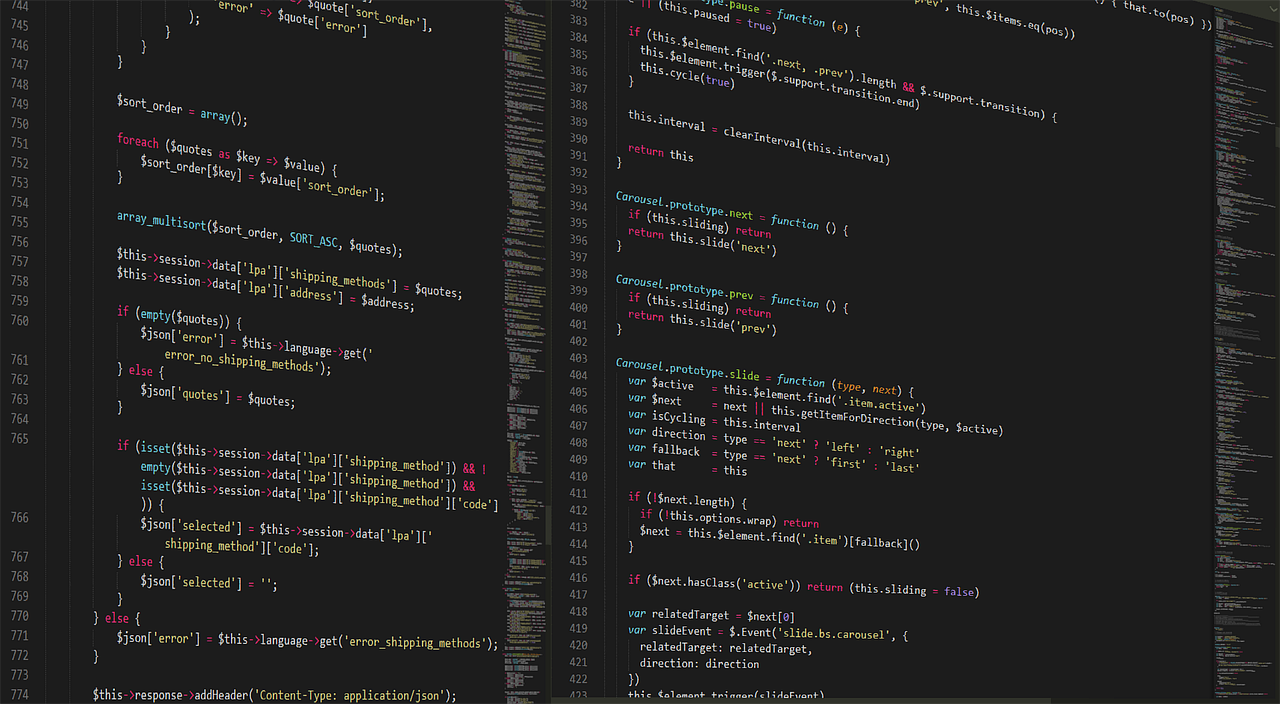
If you have started a new React project in the last year or two, you have probably met the phrase "server components" and wondered whether it is a genuine improvement or just another layer of complexity. For startup founders and small teams, the question is practical: will this make our product faster to build, cheaper to run, and better for users? The honest answer is that it can, but only when the team understands where the boundary between server and client belongs.
In this guide we explain the difference between React Server Components (RSC) and Client Components in plain language, show how to decide which one to use, and walk through a practical process you can follow on your next build. We also point out the mistakes we see most often when startups adopt the App Router in frameworks such as Next.js.
What Server and Client Components Actually Are
A server component runs only on the server. It can read from a database, call internal services, and use secrets, then it sends its rendered output to the browser. Because its code never reaches the user's device, it adds nothing to the JavaScript bundle that visitors must download and execute.
A client component is the React you already know. It is sent to the browser, hydrated, and able to use useState, useEffect, event handlers, and browser APIs such as local storage or geolocation. You mark one with the "use client" directive at the top of the file.
A helpful mental model: server components are for fetching and showing, client components are for reacting and changing. A product page that lists details, reviews, and related items is mostly fetching and showing. The "add to cart" button, the quantity picker, and the image zoom are reacting and changing.
Why This Matters for a Startup
Early-stage products live or die on speed, both the speed of the page and the speed of the team. Server components help on both fronts, though the benefits are easy to overstate. Here is what we typically see:
- Smaller bundles. Heavy libraries used only for rendering, such as markdown parsers or date formatting, can stay on the server and never reach the browser.
- Simpler data fetching. A server component can query data directly, which often removes an entire layer of API routes and client-side loading states.
- Better first paint. Users receive meaningful HTML sooner, which supports both perceived speed and search visibility.
- Safer secrets. API keys and database credentials stay on the server by design, which reduces accidental exposure.
The trade-off is a new mental model. Teams need to think about where code runs, and some popular libraries that rely on browser-only features must be wrapped in client components. If you are weighing broader architectural options, our breakdown of islands architecture and server-first web apps covers a closely related approach.
A Real-World Example: A SaaS Dashboard
Consider an illustrative scenario. A startup builds an analytics dashboard with a sidebar, a summary header, a table of recent activity, and several interactive filters. In a traditional client-rendered setup, every piece ships as JavaScript, and the browser fetches data after loading, showing spinners while it waits.
With server components, the team could render the header, the table, and the layout on the server, fetching data right where it is needed. Only the filter controls and the chart tooltips need to be client components. For example, if the filter panel and charts make up a fraction of the interface, then most of the page's code might never need to be downloaded by the browser at all. The exact savings depend on the product, so the team should measure bundle size before and after rather than assume a number.
The result is typically a page that feels instant for the read-heavy parts and interactive exactly where users expect it. This is the sweet spot for dashboards, content sites, e-commerce catalogues, and admin tools. If you are building this kind of product, our web development services are set up for exactly this kind of architecture.
A Step-by-Step Process for Deciding Where Code Runs
Use this numbered process whenever you add a new feature or screen:
- Start every component as a server component. Treat this as the default. Only move to the client when you have a clear reason.
- List the interactions. Does the component need clicks, typing, hover states, animations tied to input, or browser APIs? If yes, that specific piece needs a client boundary.
- Shrink the client boundary. Instead of marking an entire page as "use client", extract just the interactive piece, such as a button, a form, or a menu, into its own small client component.
- Pass server data down as props. A server component can render a client component and hand it data. Keep the props serializable, meaning plain objects, strings, numbers, and arrays.
- Handle mutations with server actions or API routes. Decide how changes reach the server and make sure validation and authorization happen there, never only in the browser.
- Add caching deliberately. Decide which data can be cached, for how long, and how it is invalidated. Our guide to web app caching across CDN, Redis and browser layers explains the options.
- Measure. Check bundle size, Core Web Vitals, and server response times before and after. Keep what helps and revisit what does not.
Common Mistakes to Avoid
Marking everything "use client"
This is the most common mistake. A single directive at the top of a large layout pulls every child into the client bundle, and you lose most of the benefit. Push the directive down the tree as far as you can.
Fetching data in client components out of habit
Many teams keep writing effects that fetch data after mount. When the data is available at request time, a server component is usually simpler and avoids loading flicker.
Leaking sensitive data through props
Anything passed to a client component is visible to the user. Never pass a full database record when the component needs only a name and an avatar. Select fields deliberately.
Ignoring the cost of server rendering
Moving work to the server is not free. Server compute, database load, and latency to your data region all matter. Slow queries become slow pages, so pair this approach with good indexing and monitoring.
Skipping error and loading states
Streaming lets you show part of the page while slower parts load. Use loading boundaries and error boundaries so a slow widget does not block the whole screen.
Key Benefits When It Is Done Well
- Faster pages with less client code, which supports conversion and search visibility.
- Fewer moving parts, because components can talk to data directly instead of through extra API layers.
- Clearer security posture, since secrets and sensitive logic stay on the server.
- Easier long-term maintenance, as the interactive surface area is small and well defined.
- Lower hosting and bandwidth pressure for read-heavy products, though the exact effect varies by workload.
When Client Components Are the Right Call
Server components are not a universal answer. Highly interactive tools, such as design editors, spreadsheets, real-time collaborative apps, and games, are dominated by client-side state. In those products, the majority of the interface will be client components, and that is fine. Real-time features have their own architecture questions, which we cover in our piece on Server-Sent Events versus WebSockets.
The useful question is never "server or client, which is better?" It is "what is the smallest amount of code the browser needs to deliver this experience?" Answering that honestly for each screen is what separates a fast product from a bloated one.
How to Migrate an Existing App Safely
If you already have a client-rendered React app, you do not need a rewrite. A staged approach works well. First, pick one read-heavy route, such as a pricing page or a reports screen. Second, rebuild it with server components while leaving the rest of the app alone. Third, compare performance and developer experience. Finally, expand route by route as the team gains confidence.
Treat the migration like any other product change: small steps, clear measurements, and an easy way to roll back.
Keep a short internal guide that records your conventions, for example where data fetching lives, how forms submit, and how client components are named. A one-page document prevents most disagreements and speeds up onboarding for new developers.
Questions to Ask Before You Commit
Before adopting this architecture, sit down with your team and answer a few honest questions. Does your product have mostly read-heavy screens, or mostly interactive ones? Which third-party libraries do you depend on, and do they work inside server components? Where is your database hosted relative to your server region, and how will that affect latency? Who will own performance monitoring once the product is live?
These questions do not have universal answers, but asking them early prevents surprises. A team that knows its constraints can choose the right mix of server and client code, and can explain that choice to new hires and stakeholders in a few sentences.
Conclusion
React Server Components are a practical tool, not a fashion statement. For startups, the winning approach is simple: render on the server by default, add client components only where users interact, and measure the result. Done well, you ship faster pages with less code, and your team spends less time wiring up plumbing.
If you are planning a new web product or considering an upgrade of an existing one, a short architecture review can save weeks of rework later. Start with one screen, apply the process above, and let the data guide how far you go.
Frequently Asked Questions
- What is the main difference between server and client components?
- Server components render on the server and send finished HTML plus a lightweight payload to the browser, so their code never ships to users. Client components are hydrated in the browser, which lets them use state, effects, and event handlers.
- Should every component be a server component?
- No. Anything interactive, such as forms with live validation, dropdowns, drag and drop, or charts that respond to input, needs to be a client component. The goal is to keep the interactive parts small and leave the rest on the server.
- Do server components improve SEO?
- They often help, because meaningful HTML arrives in the first response and less JavaScript blocks rendering. Good SEO still depends on content quality, metadata, and site structure, so treat server components as a helpful foundation rather than a guarantee.
- Can a small startup team handle this architecture?
- Yes, as long as the team agrees on simple conventions, such as server by default and client only where interaction requires it. Most problems come from unclear boundaries, not from the technology itself.
- Is it risky to migrate an existing React app?
- Migration can be done gradually, route by route. Start with read-heavy pages such as marketing pages and dashboards, measure the results, and only then touch the more complex flows.