Search Autocomplete for Online Stores: Build It Fast and Useful
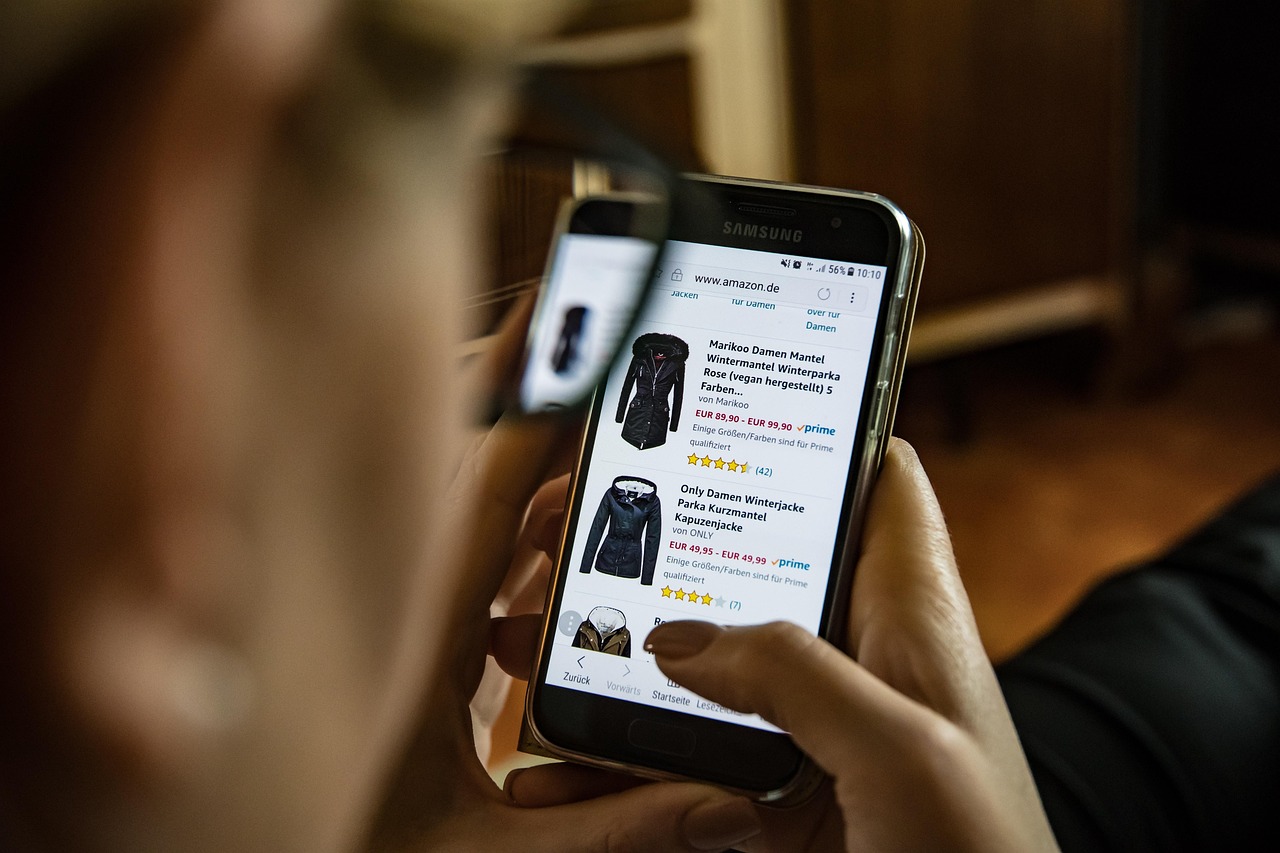
When a shopper types into your search box, they are telling you exactly what they want. If your site answers with a blank page or irrelevant products, that shopper leaves, and often they do not come back. Autocomplete is the feature that turns that moment into a smooth path to the product. Done well, it saves effort, teaches shoppers what your catalog contains, and gives you data about demand.
This guide covers how to design and build autocomplete for an online store or app, from the interface to the ranking logic to the measurements that tell you whether it works. It is aimed at founders and product teams who run ecommerce sites and want something better than a plain text box.
What Good Autocomplete Actually Does
Autocomplete is more than finishing a word. A useful implementation does several jobs at once.
- Completes queries. Suggests popular searches that start with or contain what has been typed.
- Surfaces products directly. Shows a few matching items with image and price so the shopper can jump straight to a product page.
- Suggests categories and brands. Helps when the shopper does not know the exact product name.
- Forgives mistakes. Handles typos, plurals, and alternate spellings without showing an error.
- Remembers context. Offers recent searches to returning visitors.
Each of these needs a different data source, so plan them separately rather than treating suggestions as one list.
A Practical Example
Consider an illustrative scenario: a home decor store in India with a catalog of several thousand items. Shoppers type things like "bedsheet", "bed sheet cotton", or "chadar". The store's plain search matches only exact words, so "chadar" returns nothing even though the product exists under "bedsheet".
The team adds an autocomplete layer. They build a synonym list that maps "chadar" and "bed sheet" to the canonical "bedsheet", add typo tolerance, and group suggestions into three blocks: popular searches, matching categories, and top products. They also log every query that returns no result. Within a few weeks, that log shows a list of missing synonyms and even products the store should consider stocking. This is how autocomplete becomes a source of merchandising insight, not just a convenience. If your store sits in this space, our ecommerce solutions page shows the kind of work we do.
Step-by-Step: Building Autocomplete
- Define what to suggest. Decide which blocks appear: queries, products, categories, brands, or help articles. Start with two blocks and expand later.
- Prepare the data. Clean product titles, add synonyms, and store searchable fields such as brand, color, and material. Garbage in the catalog becomes garbage in the suggestions.
- Choose the search backend. For small catalogs, a database with proper indexes can work. For larger ones, use a search engine built for prefix matching and relevance scoring.
- Index for prefix and fuzzy matching. Support matches at the start of words and inside titles, and allow one or two character errors on longer words.
- Rank thoughtfully. Blend text relevance with popularity, stock availability, and margin or promotion rules. Never suggest out-of-stock items first.
- Build a fast API. Keep the response small, return only fields needed for the dropdown, and cache popular prefixes.
- Design the interface. Debounce keystrokes, support keyboard navigation, highlight the matched part, and make touch targets large enough for thumbs.
- Instrument everything. Log queries, suggestion clicks, zero-result searches, and the outcome of each search session.
- Iterate weekly. Review the logs, add synonyms, and adjust ranking based on what shoppers actually select.
Speed Is a Feature
If suggestions lag behind typing, they feel broken. Several techniques keep the experience quick. Debouncing waits a very short moment after the last keystroke before sending a request, which avoids flooding the server. Request cancellation discards old requests when a newer one is sent, so slow responses never overwrite fresh ones. Caching stores results for common prefixes, which also reduces load on your database. For deeper background, see our guide to caching strategy across CDN, Redis and browser layers.
If you query a relational database directly, make sure the relevant columns are indexed and that queries do not scan the whole table. Our walkthrough on fixing slow database queries explains how to find and remove those bottlenecks.
Language, Typos, and Local Behavior
Shoppers in India often mix languages and spellings. They may type Hindi words in English letters, use brand nicknames, or drop vowels when typing on a phone. A good system handles these patterns with synonym lists, transliteration rules, and fuzzy matching. Build the list from real data. Your zero-result log is the best source, because it shows exactly what people typed that your catalog failed to understand.
Be careful with over-aggressive fuzzy matching. If a typo correction turns a clear query into an unrelated one, trust drops. Apply stricter tolerance to short words and looser tolerance to long ones, and show the corrected query transparently so the shopper can revert.
Designing the Dropdown
The interface should help the shopper decide quickly. Keep the list short, usually a handful of suggestions per block. Use clear section labels. Show product images only where they add value, and keep them small so the list loads quickly. On mobile, consider a full-screen search overlay with a large input, recent searches, and trending items shown before the shopper types anything.
Accessibility matters too. Support arrow keys and the enter key, announce results to screen readers, and make sure focus returns correctly after a selection. Our UI/UX design team treats these details as part of the core build, not an afterthought.
Key Benefits
- Faster product discovery. Shoppers reach what they want with less typing.
- Fewer dead ends. Suggestions steer people away from queries that return nothing.
- Better mobile experience. Typing on small screens is slow, so every saved keystroke helps.
- Demand insight. Query logs show what customers want, including items you do not yet sell.
- Promotion opportunities. Ranking rules let you highlight seasonal or high-margin items without hiding relevance.
Measuring Success
Choose a few metrics and watch them over time. The suggestion click rate shows how often shoppers use the dropdown. The zero-result rate shows gaps in your catalog or synonyms. The conversion rate of sessions that used search, compared with those that did not, shows business impact. Be careful about reading too much into a single comparison, since people who search are often more motivated to begin with. A cleaner approach is to run a controlled test where half of visitors see the new autocomplete and half see the old box.
As an illustration, a store might find that fixing its top twenty zero-result queries gives a noticeable lift in search success, simply because those queries were common. That is a hypothetical example, but it reflects how targeted fixes often outperform broad redesigns.
Common Pitfalls
Teams often ship autocomplete without ranking rules and discover that obscure items appear above bestsellers. Others forget to filter out unavailable products, which frustrates shoppers. Some rely on a single exact-match index and never add synonyms. Finally, many teams never review the logs after launch, so the feature slowly decays as the catalog changes. Schedule a recurring review and treat search as a living part of the product.
Search Analytics as a Growth Tool
The data from your search box is among the most honest feedback your business receives. Shoppers type what they want in their own words, without being prompted. Review the most frequent queries every week and ask what they mean. A rising query for a product you do not stock may signal an opportunity. A query with many searches but few clicks may mean your results look wrong or your product titles do not match common language.
Share these findings with merchandising, marketing, and support teams. Marketing can use popular phrases in ads and category pages, while support can add answers to the help center. When search becomes a shared source of insight, the effort of building autocomplete pays back in several places at once.
Rolling Out Safely
Launch autocomplete gradually. Start with a small percentage of traffic, watch error rates and latency, and compare behavior against the old search box. Keep a simple switch that lets you turn the feature off if something goes wrong. After a stable period, expand to all visitors and continue to refine ranking rules. A careful rollout protects revenue during the period when you are still learning how shoppers respond.
Working With Your Team
Autocomplete touches several roles. Developers own the index and the API, designers own the dropdown, and merchandisers own the synonyms and promotion rules. Agree on who updates what, and give non-technical staff a simple tool to add synonyms without a code release. When ownership is clear, improvements arrive weekly instead of waiting for the next sprint.
Conclusion
Search autocomplete is one of the highest leverage improvements for an online store because it sits at the moment of intent. Start with clean data and a fast backend, rank with both relevance and business sense, design the dropdown for thumbs and keyboards, and measure what shoppers actually do. If you want help planning or building it, our web development services cover search, performance, and everything around it.
Frequently Asked Questions
- What is search autocomplete?
- It is a feature that suggests queries, products, or categories as a visitor types, so they reach the right result with fewer keystrokes and fewer dead ends.
- Do I need a dedicated search engine for autocomplete?
- Not always. Small catalogs can use database indexes or a lightweight in-memory index. As the catalog, traffic, and ranking needs grow, a dedicated search service becomes easier to tune and scale.
- How fast should suggestions appear?
- They should feel instant. Aim for suggestions to appear before the user finishes the next keystroke, and test on slow mobile networks, not just office broadband.
- How do I handle typos and local language spellings?
- Use fuzzy matching, synonym lists, and transliteration rules for common variants. For Indian audiences, Hinglish spellings and brand nicknames matter a great deal.
- How do I know if autocomplete is working?
- Track suggestion click rate, searches with zero results, and conversion of sessions that used search compared with those that did not.