Wearable App Development in 2026: A Startup Guide to Watches
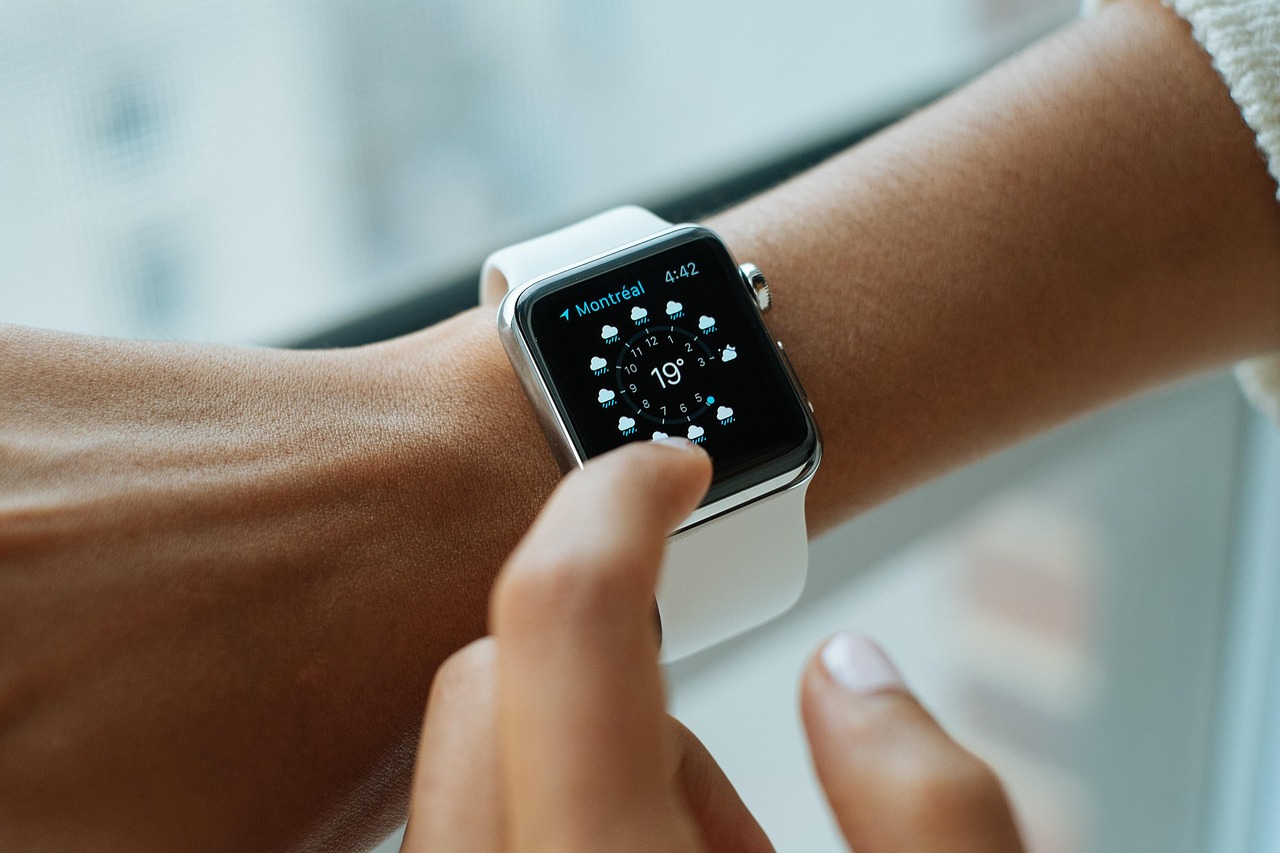
A phone app used to be the whole product. In 2026, for a growing number of categories, that is no longer true. Fitness platforms, healthtech products, field service tools, and even productivity apps are being judged partly on whether they show up naturally on a user's wrist, not just their phone screen. Wearable app development, meaning companion experiences for smartwatches and similar devices, has moved from a nice-to-have differentiator to something buyers in certain categories actively expect.
The mistake many teams make is treating a wearable app as a shrunken version of the phone app. That approach almost always produces something clunky, because a watch is not a smaller phone, it is a different interaction model entirely: glanceable information, extremely short sessions, no keyboard, limited battery, and a screen too small for the navigation patterns that work fine on a phone. Building a good wearable experience means rethinking what the app is for on that specific surface, not porting the existing UI down in size.
Why Wearables Deserve a Separate Design Pass
The average interaction with a smartwatch app lasts a few seconds, not a few minutes. Users glance at a notification, check a metric, tap one button, and move on. Designing for that constraint means picking the two or three things a user genuinely needs at a glance and cutting everything else, rather than trying to replicate the full feature set of the phone app in miniature.
Battery and connectivity constraints also shape what is realistic to build. A wearable app that polls a server continuously or renders complex UI will drain the battery noticeably faster than one built around efficient background sync and lightweight rendering. For example, a fitness app syncing every few seconds instead of batching updates could plausibly cut a device's battery life meaningfully over a full day, which is exactly the kind of detail that separates a wearable feature users keep enabled from one they turn off within a week.
A Real-World Example
Consider a healthtech startup with a medication reminder app already live on iOS and Android. On the phone, the app shows a full dashboard: dosage history, refill schedules, doctor notes, and adherence trends. Ported directly to a smartwatch at the same information density, the watch app becomes nearly unusable, since a user cannot meaningfully browse a dashboard of trends on a screen that size during the few seconds they glance at it.
Rebuilt specifically for the wearable, the same product becomes something much simpler and more useful on the wrist: a notification when a dose is due, one tap to confirm it was taken, and a small complication on the watch face showing the next reminder time. The dashboard, history, and doctor notes stay on the phone, where a larger screen and longer sessions make sense for that kind of browsing. The watch app does one job extremely well instead of doing every job poorly.
Building a Wearable Companion App: A Step-by-Step Process
- Identify the single glanceable action. Ask what one piece of information or one action a user genuinely needs while wearing the device, not sitting in front of their phone.
- Separate that action from the full feature set. Resist the urge to bring dashboards, settings screens, or multi-step flows onto the watch; those stay on the phone.
- Design for notifications and complications first. Most valuable wearable interactions happen through a glance at a notification or a watch face complication, not through opening a dedicated app screen.
- Build efficient background sync. Batch data updates rather than polling continuously, and test actual battery impact on a physical device, not just a simulator.
- Test the one-tap interaction pattern. Every core action on the watch should be completable in one or two taps; anything requiring more should probably stay on the phone.
- Validate across both major platforms separately. Watch interaction models and constraints differ enough between platforms that testing on only one gives a false sense of readiness.
- Ship the wearable app as a genuine companion, not a port. Treat it as a separate product surface with its own release cadence and its own success metrics, like glance completion rate, rather than folding it into general app store reviews.
Startups working with our mobile app development team on a wearable companion often start by assuming it is a small extension of existing scope. In practice it is closer to a second product built around a different interaction model, and treating it that way from the start avoids a redesign later.
Accessibility deserves specific attention on a wearable surface too, since the small screen and brief interaction window that make wearables powerful also make them unforgiving of poor contrast, tiny tap targets, or unclear iconography. A glanceable interface has to be understandable in roughly a second, often in bright sunlight or while the wearer is in motion, which is a stricter bar than most phone interfaces are ever held to. Testing the core interaction with real users under realistic conditions, not just in a quiet office at a desk, tends to surface usability issues a purely visual design review would miss entirely.
Key Benefits of Doing Wearable Right
- Higher daily engagement from the surface users actually glance at throughout the day, rather than an app they only open a few times.
- Differentiation in categories where it matters, particularly health, fitness, and field service, where wearable support is increasingly expected rather than optional.
- Better retention of core actions, since a one-tap confirmation on the wrist removes friction that a multi-step phone flow would otherwise introduce.
- Lower battery complaints, when sync and rendering are designed efficiently from the start instead of retrofitted after user complaints arrive.
- A cleaner product story, since a wearable app that does one thing well is easier to market and easier for users to understand than a miniaturized dashboard.
Where Teams Get Wearable Development Wrong
The most common mistake is scope creep driven by feature parity with the phone app. A stakeholder sees a competitor's watch app include a certain screen and asks for the same, without asking whether that screen fits a glanceable interaction. The fix is holding firm on the single-glanceable-action principle established early, similar to the discipline needed in offline-first mobile architecture, where resisting scope creep against a clear constraint is what makes the final product actually work well under real conditions.
The second common mistake is under-investing in on-device intelligence. Many wearable use cases, like detecting an unusual gap between reminders or summarizing today's activity in one line, benefit from lightweight on-device AI inference rather than a round trip to a server, both for speed and for battery efficiency. Teams that treat the watch purely as a passive display miss an opportunity to make the glanceable moment genuinely smarter.
Team and Platform Considerations
Wearable development requires a different testing discipline than phone app development, and teams that underestimate this tend to ship features that look fine in a simulator and feel wrong on an actual wrist. Screen size, tap target accuracy, and glanceability are hard to judge accurately without a physical device, since a simulator cannot replicate the experience of glancing at a notification mid-task or fumbling a tap while moving. Budgeting time for physical device testing across a range of watch sizes, not just the newest model, is a small investment that prevents a surprising number of usability complaints after launch.
Platform fragmentation is a bigger factor for wearables than it is for phones. The two major smartwatch ecosystems differ meaningfully in how they handle background processing, complications, and notification interaction, which means a feature that works elegantly on one platform sometimes needs a genuinely different implementation, not just a different stylesheet, to work as well on the other. Teams that plan for this divergence from the start, rather than assuming a shared codebase will translate cleanly, avoid the frustration of discovering platform-specific limitations midway through development.
Finally, it is worth setting expectations internally about what success looks like for a wearable companion app before it ships. Download counts and standalone app store reviews are poor signals for a companion experience, since most users interact with it through notifications and complications rather than opening it directly. Metrics like glance completion rate, notification response time, and whether the phone app's core action retention improves after the wearable companion ships are far more honest indicators of whether the investment paid off.
Related reading: Spatial Computing for Startups: Is Building for AR Worth It in 2026?.
Conclusion
A wearable companion app succeeds or fails on restraint. The products that work well on a smartwatch are the ones that identified the single most valuable glanceable action and built the entire experience around delivering it in one or two taps, while everything else stayed on the phone where it belongs. Startups entering categories where wearable support is becoming an expectation, particularly health, fitness, and field service, should treat the watch as a distinct design problem from day one rather than a shrink-to-fit exercise performed after the phone app ships. Teams that get this sequencing right tend to find that the wearable companion becomes one of the most consistently used surfaces in the entire product, precisely because it asks so little of the user in exchange for exactly the information they came for.
Frequently Asked Questions
- Should a wearable app just be a smaller version of the phone app?
- No. Wearable interactions last a few seconds and require a different design approach focused on one glanceable action, not a miniaturized version of the full phone app dashboard.
- What causes battery drain in wearable apps?
- Continuous polling and complex rendering are the most common causes. Batching background sync and keeping rendering lightweight significantly reduces battery impact.
- How many actions should a wearable app support?
- As few as possible. Most successful wearable companions focus on one core glanceable action completable in one or two taps, leaving broader features on the phone.
- Do wearable apps need separate testing from phone apps?
- Yes. Screen size, tap accuracy, and glanceability are difficult to judge in a simulator, so testing on physical devices across different watch sizes is important before launch.
- Which industries benefit most from wearable companion apps?
- Health, fitness, and field service currently see the strongest expectation for wearable support, since glanceable, low-friction interactions fit those use cases particularly well.