Shop Floor Production Tracking Apps for Indian Manufacturers in 2026
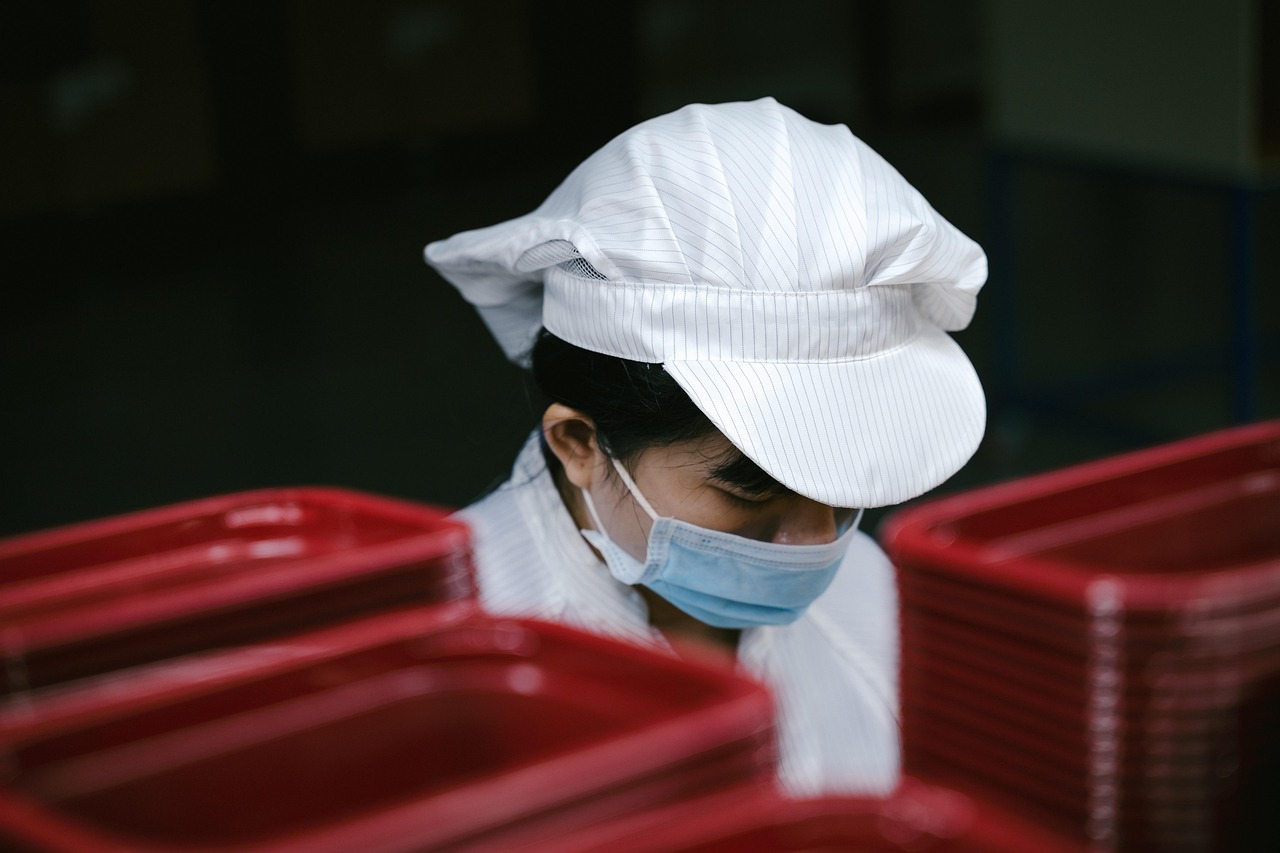
Walk through almost any small manufacturing unit and you will find a clipboard. Operators note quantities produced, a supervisor tallies the sheets at the end of the shift, and someone enters the numbers into a spreadsheet the next morning. By the time the owner sees that a machine was down for three hours on Tuesday, the chance to fix the cause has passed.
Production tracking apps close that gap. They capture what happens on the floor as it happens, in a format that can be summarised without retyping. This guide explains what such an app needs, how to design it for real factory conditions, and how to roll it out so that operators actually use it. It is written for owners, plant heads and operations managers of Indian small and mid-sized manufacturers.
You cannot improve what you only discover tomorrow. Good shop floor data arrives while there is still time to act on it.
What problem are we really solving?
Paper-based tracking creates four recurring problems. Data arrives late. Handwriting and rounding make it unreliable. Reasons for downtime and rejection are vague ("machine problem"). And nobody has time to analyse the sheets, so patterns stay invisible. A tracking app addresses each of these: entries are timestamped, structured, reason-coded and instantly summarised.
Notice what the goal is not. It is not to watch operators or add paperwork. If the app feels like surveillance or extra work, it will fail. The goal is to make the plant's real performance visible so that the team can remove obstacles together.
Core features of a useful first version
- Shift and machine selection: The operator picks their machine and shift in one or two taps.
- Production entry: Quantity produced against a work order or product, with a quick way to repeat the last entry.
- Downtime logging: Start and stop with a reason chosen from a short list, such as power cut, tool change, material shortage, breakdown or waiting for QC.
- Rejection and rework capture: Count and reason code for each rejected piece.
- Supervisor view: A live board showing each machine's status, output against target and open issues.
- Daily summary: An automatic report by shift, machine and product that goes to owners by message or email.
- Offline mode: Entries save locally and sync when connectivity returns.
- Roles and audit trail: Operators enter, supervisors approve, owners view, and every change is recorded.
Resist the temptation to add maintenance scheduling, payroll and costing on day one. A narrow, fast app beats a broad, slow one.
A real-world style example: a plastic moulding unit
Consider a hypothetical plastic moulding unit with several machines running two shifts. This is an illustrative scenario, not a reported project result. The owner suspects that output is lower than it should be but cannot say where the time goes.
The unit introduces a simple tablet at each machine. Operators log production at the end of each batch and tap a reason whenever the machine stops. After a few weeks, the weekly summary shows that a large share of downtime is labelled "waiting for material" on one particular line, mostly at the start of the night shift. The cause turns out to be an unclear handover of raw material between shifts, not a machine problem at all. A small process change, such as staging material before shift change, addresses it.
The lesson is that data rarely points to the cause you expected. Structured reasons give the pattern a chance to surface.
Designing for the shop floor, not the office
Make it faster than paper
If an entry takes longer than writing on a sheet, operators will skip it. Use large tap targets, pre-filled fields (the current work order, the current shift) and numeric keypads. Aim for a common entry in a few taps.
Use the operators' language
Offer Hindi, Gujarati or other local languages, combined with icons for downtime reasons. Test the wording with operators, because words used in the office often differ from words used on the floor.
Plan for gloves, dust and glare
Rugged tablets or protective cases help. High-contrast colours, big buttons and screens that remain readable under bright light matter more than visual polish.
Work without a connection
Factory networks can be unreliable. Store entries locally first, show a clear "saved" status and sync in the background. We explain the architecture in our guide to offline-first mobile apps for India.
Consider barcode and QR input
Scanning a work order or machine tag removes typing errors and saves time. The same techniques used in barcode scanning apps for stock counts apply directly to the shop floor.
Step-by-step rollout plan
- Walk the floor. Spend time with operators and supervisors on each shift. Note what they write, what they skip and what frustrates them.
- Choose one line or a few machines. A pilot limits risk and teaches you what to adjust.
- Agree the reason codes. Sit with the team and create a short, mutually exclusive list. Ten clear reasons beat thirty vague ones.
- Build a clickable prototype. Let operators try it on a tablet before development begins and listen to their reactions.
- Develop the first version. Focus on entry speed, offline behaviour and the supervisor board.
- Run the app in parallel with paper. For a couple of weeks, keep both. Compare the results and fix gaps.
- Review data daily. A supervisor discusses yesterday's top three issues in the morning meeting. Visible use shows operators that the data matters.
- Retire paper and expand. Once trust is established, roll out to other lines and add features based on real requests.
Key benefits for the plant
- Live visibility: Owners see what is happening now, not what happened last week.
- Better downtime analysis: Structured reasons reveal the real constraints.
- Reduced rejections: Patterns by machine, shift and material become visible.
- Less reporting work: Supervisors stop retyping sheets into spreadsheets.
- Fairer conversations: Shared facts replace arguments about whose fault a delay was.
- A foundation for growth: Clean data supports later improvements such as maintenance planning and cost tracking.
Common pitfalls
- Building for managers and forgetting operators, who do the actual entry.
- Asking for too many fields per entry.
- Leaving "other" as a downtime reason so large that it hides the truth.
- Rolling out everywhere at once without a pilot.
- Collecting data nobody reviews, which teaches people that entry is pointless.
Build, buy or extend?
Off-the-shelf manufacturing software can work well if your process is standard. Many small plants, however, have unusual routing, job-work arrangements or reporting formats that generic tools handle poorly. A focused custom app can be a better fit and a more affordable start than a full system. Our overview of manufacturing software development cost in India explains what drives pricing, and you can use our app cost calculator for a quick, rough estimate of your own scope.
When you are ready to build, our mobile app development team can help you pilot with a small group of machines first.
Measuring success
Define a few measures before launch so that you can judge the result honestly:
- Share of shifts with complete entries.
- Time from event to visibility for managers.
- Share of downtime with a specific (not "other") reason.
- Trend in rejections for the machines in the pilot.
Track these weekly. If adoption is low, treat it as feedback on the design, not as a discipline problem.
Data to collect, and data to leave alone
A common worry is that more data is always better. On the shop floor, the opposite is usually true. Every extra field is another moment of effort for an operator. Start with the smallest set that answers your top questions: what was made, how much, which machine, which shift, what stopped it and what was rejected. Add fields only when someone can explain which decision the new data will change.
Be thoughtful about people data too. Tracking output per machine is different from ranking individual workers publicly. If the app is perceived as a tool for catching mistakes, entries will become cautious or inaccurate. Share results as team and line performance, discuss problems as process issues, and keep individual-level information for supervisors who need it for coaching.
Connecting the app to the rest of the business
Once production data is reliable, it can feed other tasks. Dispatch can see what is ready, sales can quote realistic delivery dates and purchase teams can notice material shortages earlier. Start with simple exports or scheduled summaries, then consider integration with your accounting or inventory software when the value is clear. Integration is easier when the production app already uses consistent product codes and work order numbers, so decide on those early.
Conclusion
A production tracking app does not need to be grand to be valuable. Start by watching how work really happens, design for speed and local language, keep the first version narrow and make sure someone reviews the data every day. Do that, and the clipboard stops being the factory's memory. You gain a clear, timely picture of your plant, and your team gains the evidence it needs to remove the obstacles that slow everyone down.
Frequently Asked Questions
- What is a shop floor production tracking app?
- It is a mobile or tablet application that lets operators and supervisors record what was produced, which machine ran, how long it stopped and why, and how many items were rejected, so managers see live data instead of waiting for paper logs.
- Do small factories need a full MES system?
- Often not at first. A manufacturing execution system can be heavy and costly. Many small manufacturers get most of the value from a focused app covering production entries, downtime reasons and rejections, then extend it as needs grow.
- Can operators use it if they have limited literacy or English?
- Yes, if you design for it. Use large buttons, icons, local language labels, dropdowns instead of typing and a short, repeatable flow. Test with operators on the actual shop floor before rollout.
- What if the factory has weak internet?
- Build the app to work offline. Entries are saved on the device and synced when a connection returns. This is often essential on factory floors with thick walls and patchy Wi-Fi.
- How do we get operators to actually use the app?
- Make it faster than paper, involve a few operators in design, show them how their data helps them (for example, fewer blame arguments about downtime) and have supervisors review the data daily so people see that it matters.